
Solovant
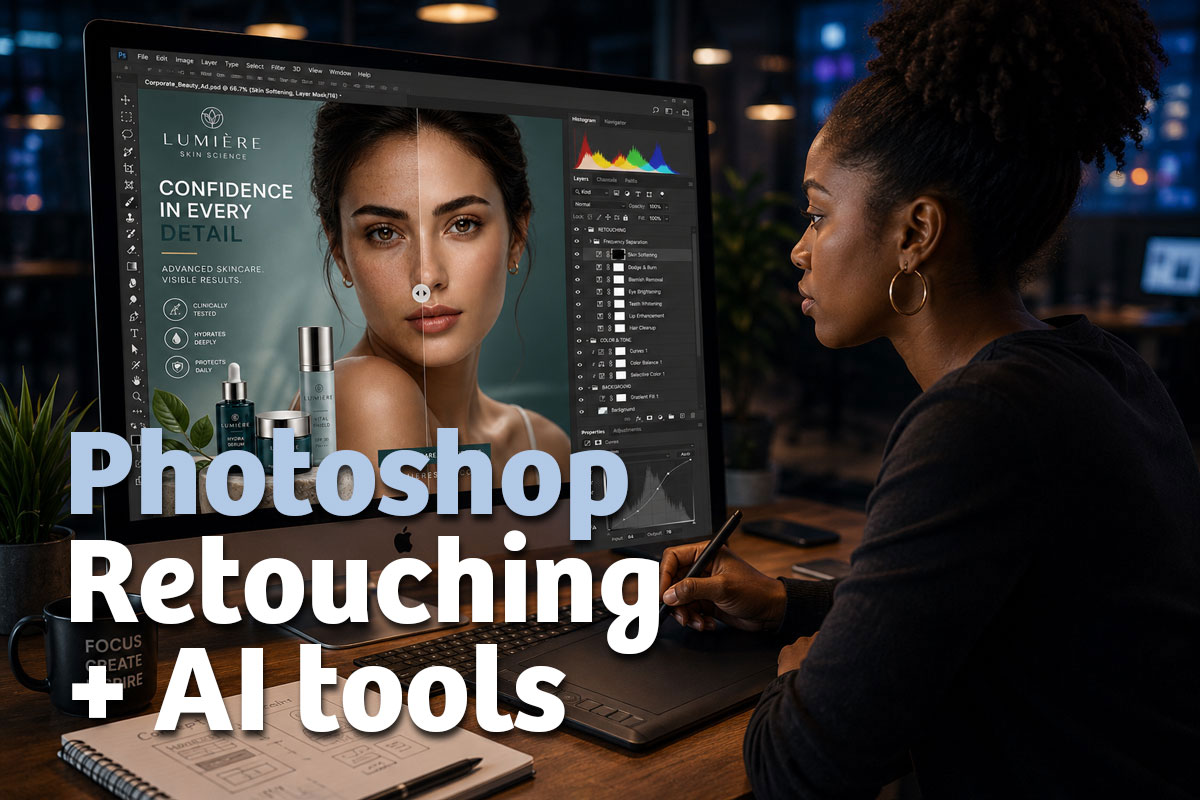
Retouching in Photoshop using AI
Thursday, Jun 25th · 6:00 PM to 7:00 PM EDT
In this hands-on meetup, we will explore how to use Adobe Photoshop for professional image retouching and how to integrate AI-powered tools into the creative workflow.
We will review practical examples of photo retouching, image correction, cleanup, visual enhancement, and AI-assisted features in Photoshop that can help make the editing process faster, more precise, and more creative.
This session is ideal for designers, photographers, content creators, and visual professionals who want to update their Photoshop skills and learn how AI can support modern retouching workflows.
What You Will Learn
How to remove elements
How to use retouching tools
How to retouch faces
How to remove background
How to integrate
Agenda
- Welcome and introduction
- Tools for retouching powered by AI
- Workflow for retouching with AI
- Practical examples
- Q&A and next steps
Event Details
Format: Live online
Duration: 60 minutes
Level: Beginner
Cost: Free

Hosted by: Eugenio Solis de Ovando, Ph.D.
Eugenio is a designer, educator, and AI specialist with more than 25 years of experience in graphic design, digital media, software training, and technology integration. He holds a Ph.D. in Artificial Intelligence, a Master of Arts in Learning and Emerging Technologies from SUNY Empire State University, and is currently pursuing doctoral studies in Instructional Design and Technology.
He is an Adobe Certified Instructor and Adobe Certified Design Master with professional expertise in graphic design, photography, digital publishing, web design, AI-supported creative workflows, and emerging technologies for education and professional practice.
If you want to attend this webinar, visit our Meetup Group or contact us for details.