
Adobe Photoshop Certificate:
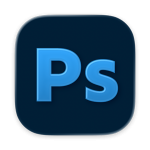 Color Correction, Retouching and Photo Manipulation
Develop professional Photoshop skills in a focused live online course covering image editing, retouching, compositing, visual refinement, and AI-assisted workflows.
Course Overview
The Adobe Photoshop Bootcamp Certificate is a structured professional course focused on pixel-based image editing, visual correction, photo manipulation, compositing, and AI-assisted creative workflows.
Students learn how to use Adobe Photoshop as a professional design and image-editing tool. The course introduces essential Photoshop techniques, including selections, masks, layers, adjustment tools, retouching methods, color correction, image cleanup, and compositing. Students also explore how AI-supported tools can assist with image generation, object removal, background extension, visual experimentation, and workflow refinement.
This course is designed for learners who want more than a basic software tutorial. Students develop technical control, visual judgment, and a stronger understanding of how Photoshop fits into contemporary graphic design, photography, digital media, and creative production.

Who This Course Is For
This course is designed for students, designers, photographers, content creators, marketing professionals, entrepreneurs, and creative professionals who want to develop practical Photoshop skills for image editing, retouching, compositing, and visual design production.
It is appropriate for beginners who want a structured introduction to Photoshop, as well as learners who have used Photoshop before but want a more professional and organized workflow.
This course is also a strong option for students considering the full Graphic Design & AI Certificate Program, but who want to begin with a single, focused course.
No advanced Photoshop experience is required, but students should be prepared for a rigorous, hands-on learning experience.
Learning Outcomes
By the end of this course, students will be able to:
- Navigate the Photoshop workspace efficiently.
- Edit images using layers, masks, and adjustment layers.
- Correct color and lighting using professional workflows.
- Retouch portraits and products.
- Create realistic photo manipulations.
- Produce a complete Photoshop portfolio project.
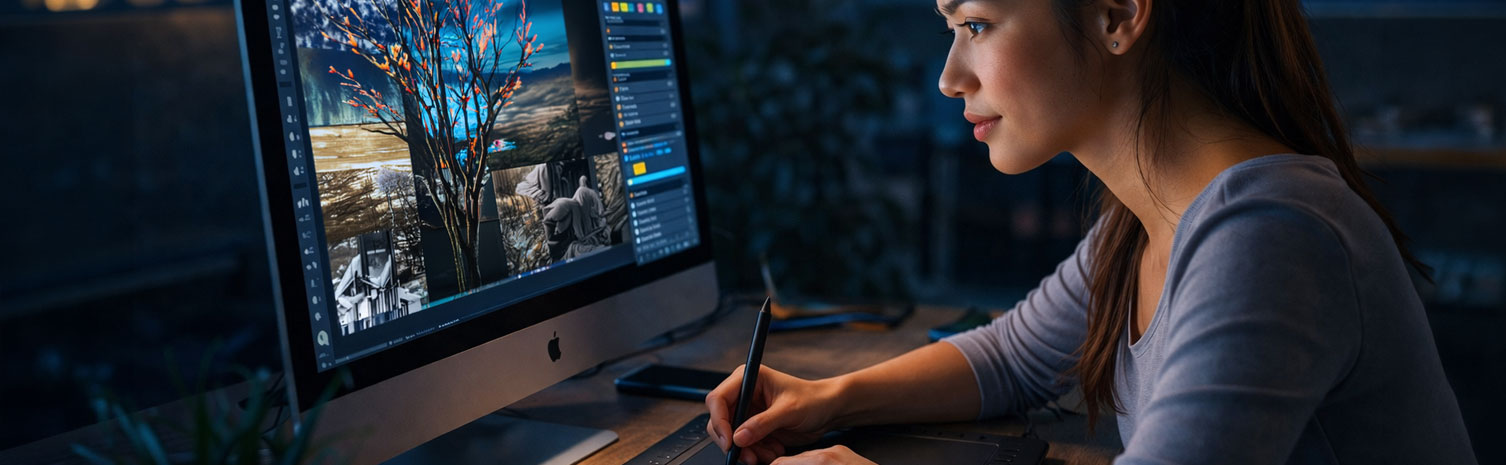
What You Will Create
Students will complete practical Photoshop exercises and a final Photoshop-based project. Depending on the project direction, this may include:
- An image retouching or cleanup project.
- A color correction and tonal adjustment exercise.
- A background replacement or image extension project.
- A layer-based photo manipulation.
- A composited image using multiple visual elements.
- An AI-assisted image editing or refinement workflow.
- A final Photoshop project suitable for portfolio presentation or continued development.
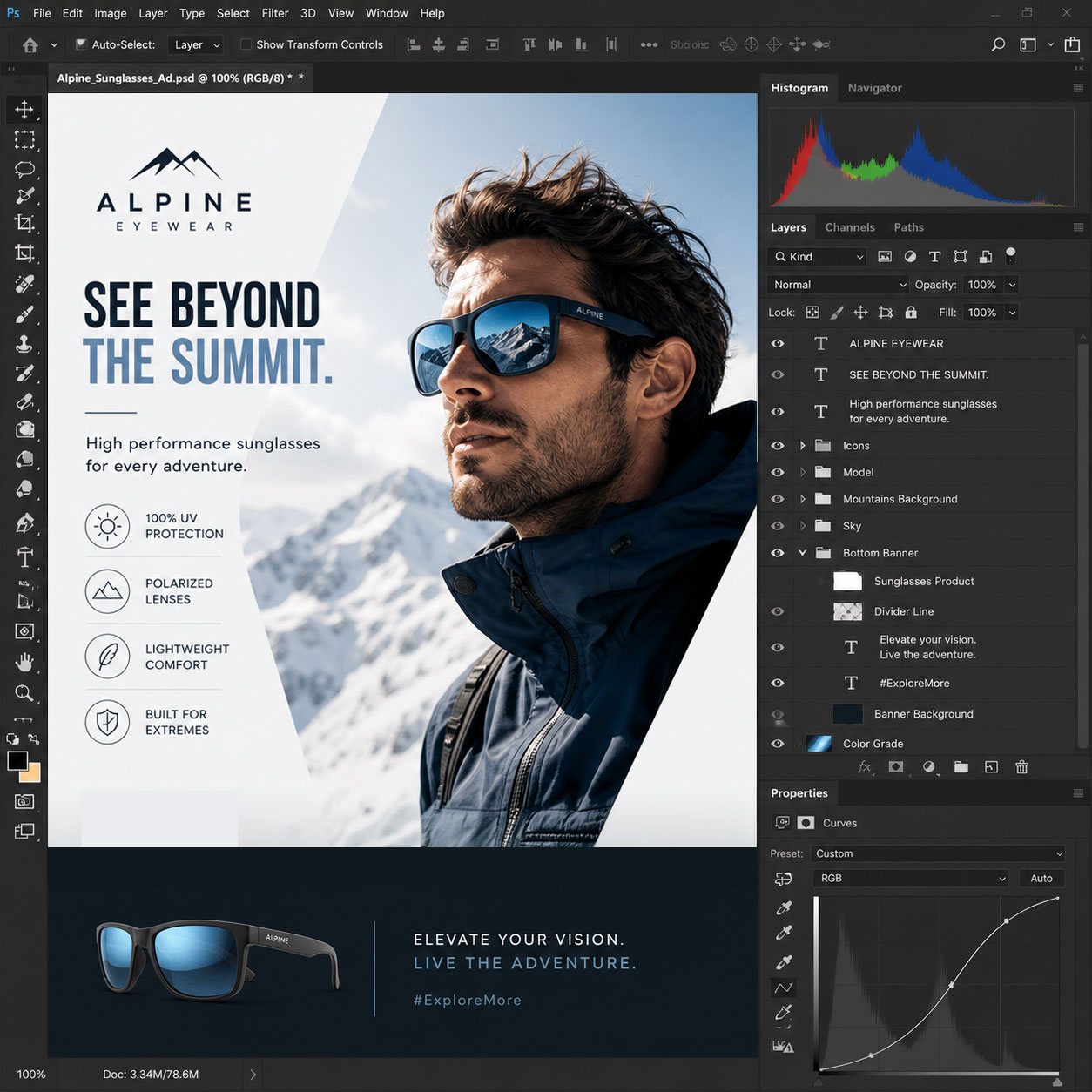
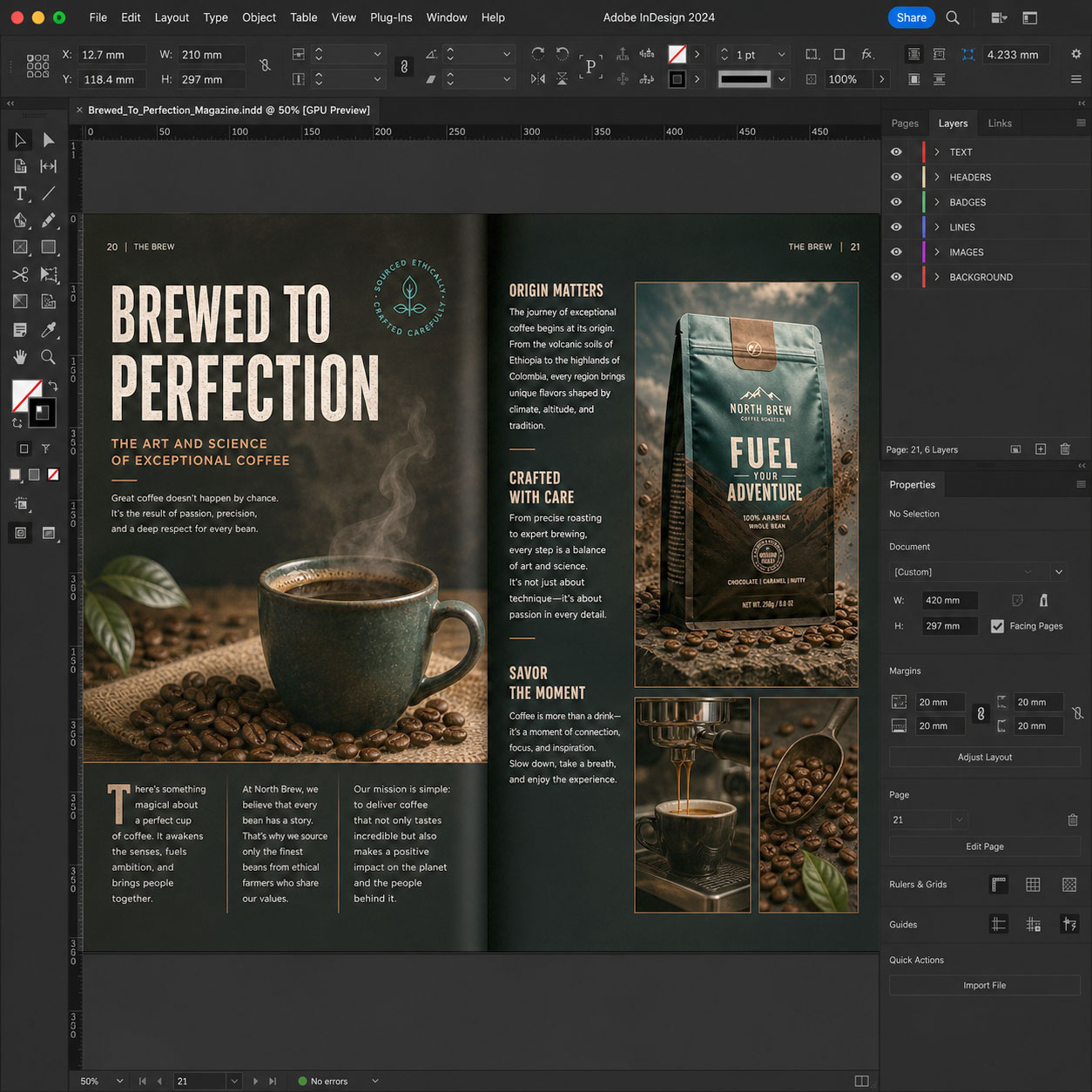
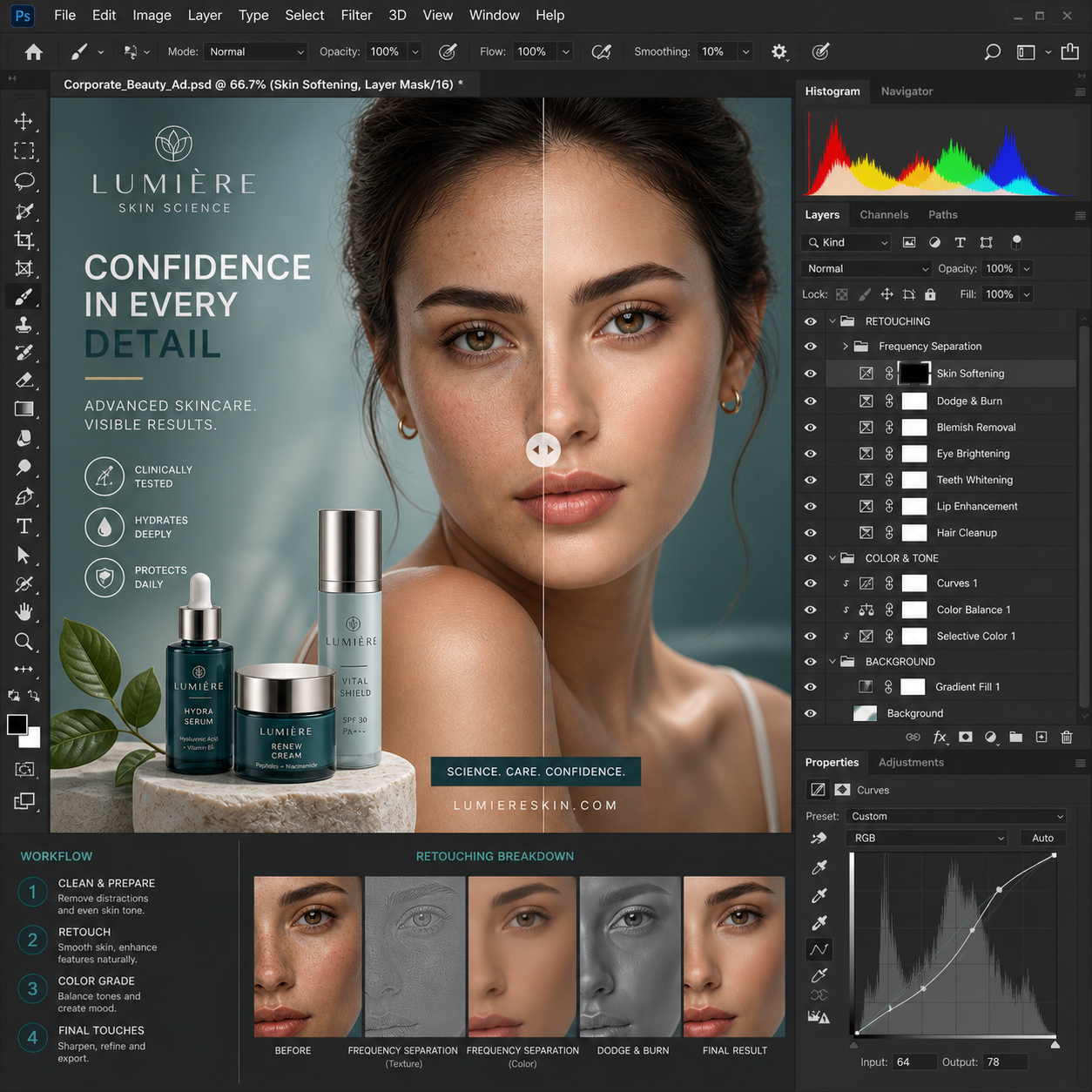
Examples of Classwork
Course Structure
This course includes 12 hours of live online instruction delivered either as four 3-hour sessions or two 6-hour Saturday sessions. Classes combine instructor demonstrations, guided practice, hands-on exercises, critiques, and project-based learning focused on practical professional workflows.
Each module introduces a core software skill and includes applied exercises designed to help students build confidence and improve their work during class. Students who successfully complete the full course and final project earn the Solovant Certificate, demonstrating a solid foundation in professional workflows used across disciplines.
Session 1: Photoshop Essentials
(3 Hours)
The first session introduces students to the Adobe Photoshop workspace and the core tools used in every professional workflow. Students learn how to work with layers, selections, masks, adjustment layers, typography, and non-destructive editing while building confidence with the interface.
Topics Covered
- Photoshop interface and workspace
- Image size, resolution, and file formats
- Layers and layer organization
- Selection tools and layer masks
- Croping and transforming tools
- Basic color correction and tonal adjustments
- Working with text and graphics
- Exporting images for web and print
Module Project
Students will create a promotional social media graphic by combining photographs, typography, and simple graphic elements. The project includes color correction, layer organization, masking, and exporting professional-quality artwork.
Session 2: Professional Photo Retouching
(3 Hours)
This session focuses entirely on image retouching techniques used in portrait, product, fashion, and commercial photography. Students learn how to improve photographs while maintaining a natural appearance using professional non-destructive workflows.
Topics Covered
- Spot Healing Brush
- Healing Brush and Clone Stamp
- Content-Aware tools
- Face retouching process
- Dodge and Burn techniques
- Removing distractions and imperfections
- Color and skin tone correction
- Smart Objects and adjustment layers
Module Project
Students will professionally retouch a portrait or product photograph. The project includes skin cleanup, object removal, color correction, lighting adjustments, and final image enhancement suitable for commercial use.
Session 3: Photo Manipulation & Photomontage
(3 Hours)
Students learn how to combine multiple images into realistic composites using advanced masking, blending, lighting, and color grading techniques. The session introduces creative workflows used in advertising, entertainment, and digital marketing.
Topics Covered
- Advanced masking techniques
- Combining multiple photographs
- Blend modes
- Shadows and realistic lighting
- Perspective matching
- Color grading
- Creative visual effects
- Introduction to Generative AI
- Object removal
- Generative Fill
- Generative Expand
- AI-powered compositing
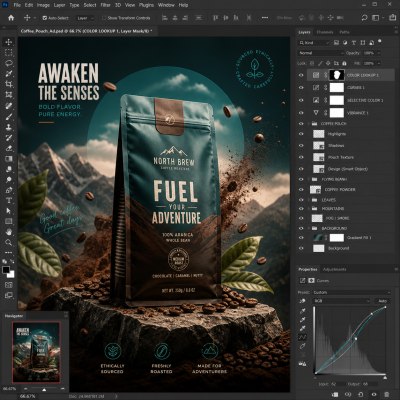
Module Project
Students will create a cinematic poster or advertising image by combining multiple photographs into a realistic photomontage. The project emphasizes composition, masking, lighting consistency, typography, and creative storytelling.
Session 4: Portfolio Project
(3 Hours)
The final session brings together the techniques learned throughout the course. Students plan, build, refine, and present a complete Photoshop project while receiving instructor feedback and guidance throughout the design process.
Topics Covered
- Planning a client project
- Building a layered PSD
- Combining retouching and photomontage
- Typography and composition
- Preparing print and web exports
- Portfolio presentation
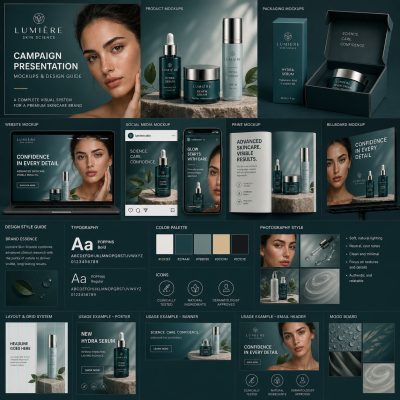
Final Project
Students will create a complete advertising campaign or promotional design for a real or fictional client. The project should demonstrate the skills learned throughout the course, including color correction, retouching, photomontage, typography, and professional production techniques. Students will present their finished work during the final class and receive instructor feedback.
Successful completion of all four modules and the final project earns the Solovant Photoshop Certificate.
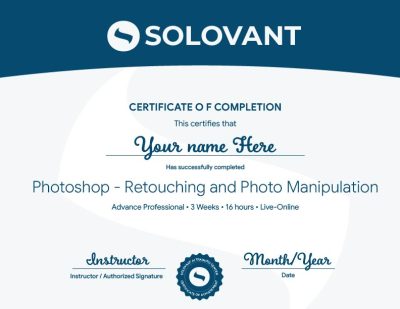
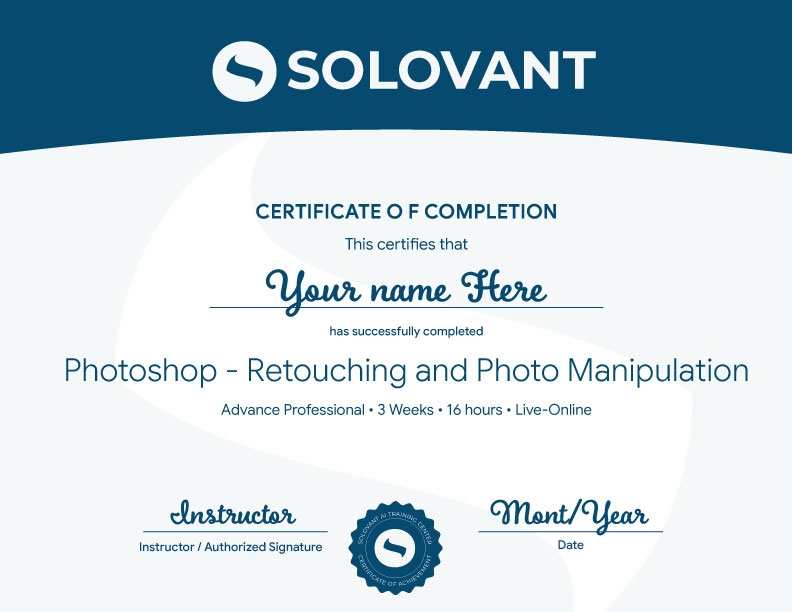
Certificate of Completion
Students who complete the course requirements will receive a SOLOVANT Adobe Photoshop Bootcamp Certificate.
The certificate reflects completion of a structured live online course focused on Photoshop fundamentals, retouching, image manipulation, compositing, and AI-assisted image workflows.
Academic and Professional Teaching Model
SOLOVANT courses are designed for learners who want more than short tutorials or isolated software tips. This course follows a structured academic and professional approach that combines technical demonstration, guided practice, visual analysis, project-based learning, and instructor feedback.
Courses are taught by instructors with graduate-level education, university teaching experience, professional certifications, and experience in design, digital media, technology, and artificial intelligence.
The goal is to help students understand Photoshop as a professional creative tool while developing the technical and conceptual skills needed for contemporary design and media production.
AI in Photoshop Workflows
Artificial intelligence is now part of modern image editing and design production. In Photoshop, AI-supported tools can assist with object removal, generative fill, background extension, image exploration, and visual refinement.
This course introduces AI as a professional support tool, not as a replacement for visual judgment or technical skill. Students learn how to use AI strategically while maintaining control over composition, realism, image quality, and creative intent.
The course also encourages critical awareness of AI limitations, including visual errors, inconsistent results, concerns about originality, and the need for human review.
Tuition:
Normal $690
Sale $590
What is included:
- Adobe Photoshop Bootcamp Certificate
- 12 hours in 4 sessions
- Adobe Certified Instructor
- Grad-level professor
- Free Retake
- Class recorded
- 25% discount in next class
- 101 mentoring included
Schedule
- Duration: 4 sessions
- Total Instruction: 12 hours
- Format: Live online
-
Weeknights class options:
-
Mon & Wed – Jan 18, 20, 25, and 27th
- Time: 6:00 pm to 9:00 PM
-
Saturday class option:
Jan 23rd and 30th- Time: 10:00 AM to 4:30 PM
-
Sale!

Ready to Build Professional Photoshop Skills?
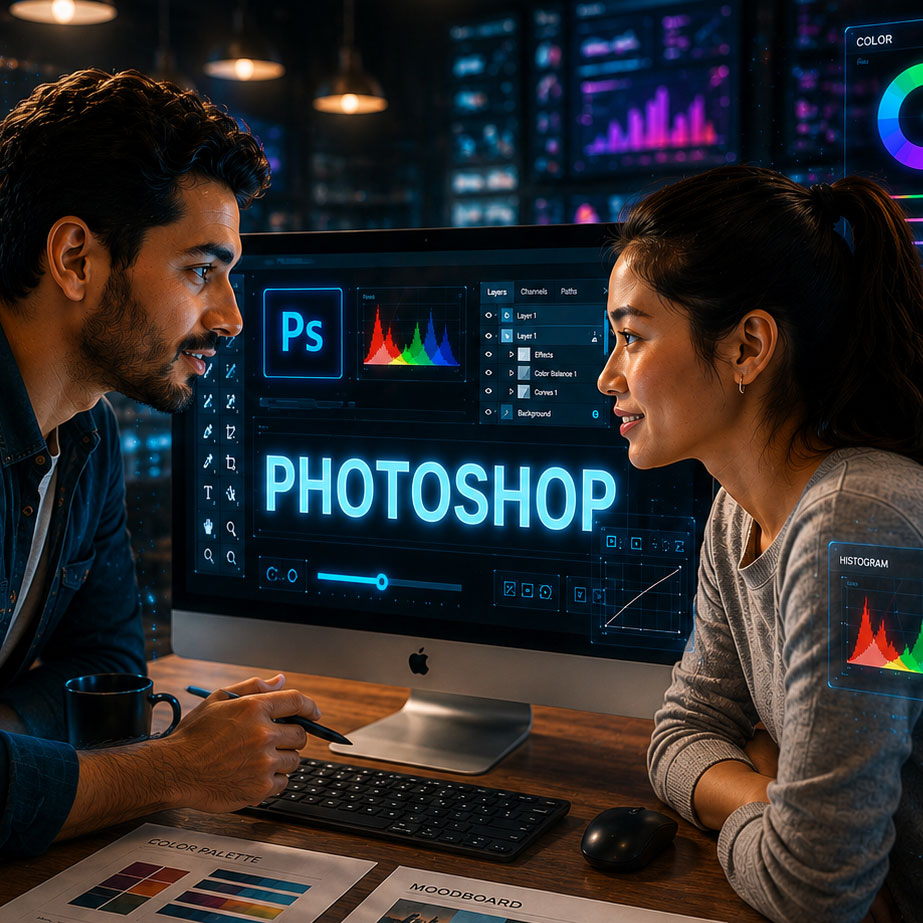
Enroll in this live online course and develop practical Photoshop skills through guided demonstrations, hands-on exercises, instructor feedback, and project-based learning.
This course includes 12 hours of applied Photoshop training focused on real design, photography, marketing, and creative production workflows. Students complete a final Photoshop project and earn the Solovant Adobe Photoshop Certificate upon successful completion.
Continue Into the Full Certificate Program
Students who complete this course may continue into the full Graphic Design & AI Certificate Program, which expands into Illustrator, InDesign, graphic design foundations, AI-supported creative workflows, and portfolio development.
This makes the Photoshop course a focused entry point into a broader professional design pathway.
Earn Your Photoshop Certificate

If you have any questions, feel free to contact us
We can schedule a Zoom or Phone Call to answer all your questions
hello@solovant.com