
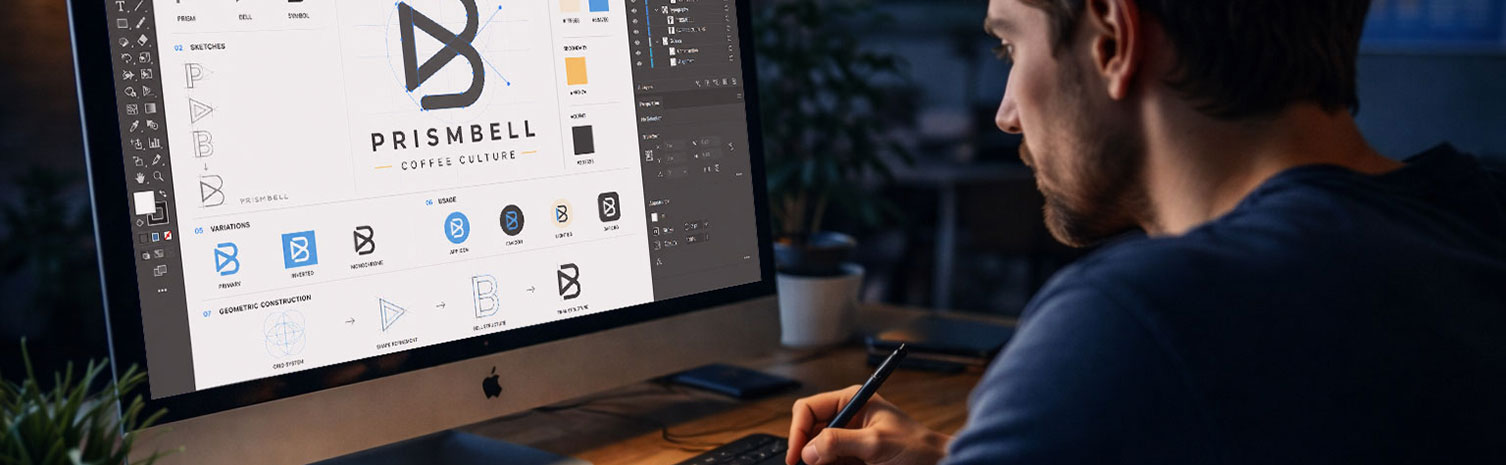
Adobe Illustrator Certificate:
 Vector Graphics and Logo Design
Develop professional Illustrator skills in a focused live online course covering vector graphics, logo design, icon development, brand assets, visual systems, and AI-assisted creative workflows.
Course Overview
The Adobe Illustrator Certificate: Vector Graphics and Logo Design is a structured professional course focused on scalable visual design, vector construction, logo development, icon systems, and AI-assisted creative workflows.
Students learn how to use Adobe Illustrator as a professional design tool for logos, icons, illustrations, brand assets, and visual systems. The course introduces essential Illustrator techniques, including shapes, paths, anchor points, the Pen Tool, color systems, swatches, typography, alignment, composition, and file preparation for different design contexts.
This course is designed for learners who want more than a basic software tutorial. Students develop technical control, visual judgment, and a stronger understanding of how Illustrator fits into contemporary graphic design, branding, digital media, print production, and creative communication.

Who This Course Is For
This course is designed for students, beginning designers, content creators, marketing professionals, entrepreneurs, and creative professionals who want to develop practical Illustrator skills for graphic design, branding, visual communication, and digital media production.
It is appropriate for beginners who want a structured introduction to Adobe Illustrator, as well as learners who have used Illustrator before but want a more professional and organized workflow.
This course is also a strong option for students considering the full Graphic Design & AI Certificate Program, but who want to begin with a single, focused course.
No advanced Illustrator experience is required, but students should be prepared for a rigorous, hands-on learning experience.
Learning Outcomes
By the end of this course, students will be able to:
- Use the Adobe Illustrator interface, workspace, panels, artboards, and essential tools with greater confidence.
- Explain the difference between raster and vector graphics and identify appropriate uses for vector-based design.
- Create and edit vector artwork using shapes, paths, anchor points, the Pen Tool, and shape-building methods.
- Apply principles of composition, alignment, proportion, contrast, hierarchy, and visual balance to vector graphics.
- Develop logos, icons, illustrations, and visual assets with consistency and scalability.
- Use color systems, swatches, gradients, and typography to support clear visual communication.
- Construct simple brand assets and visual systems for digital and print applications.
- Use AI-assisted tools to support ideation, visual exploration, concept variation, and refinement.
- Evaluate vector artwork for clarity, consistency, scalability, and design intent using professional terminology.
- Export Illustrator projects in appropriate formats for web, print, presentation, and portfolio use.
What You Will Create
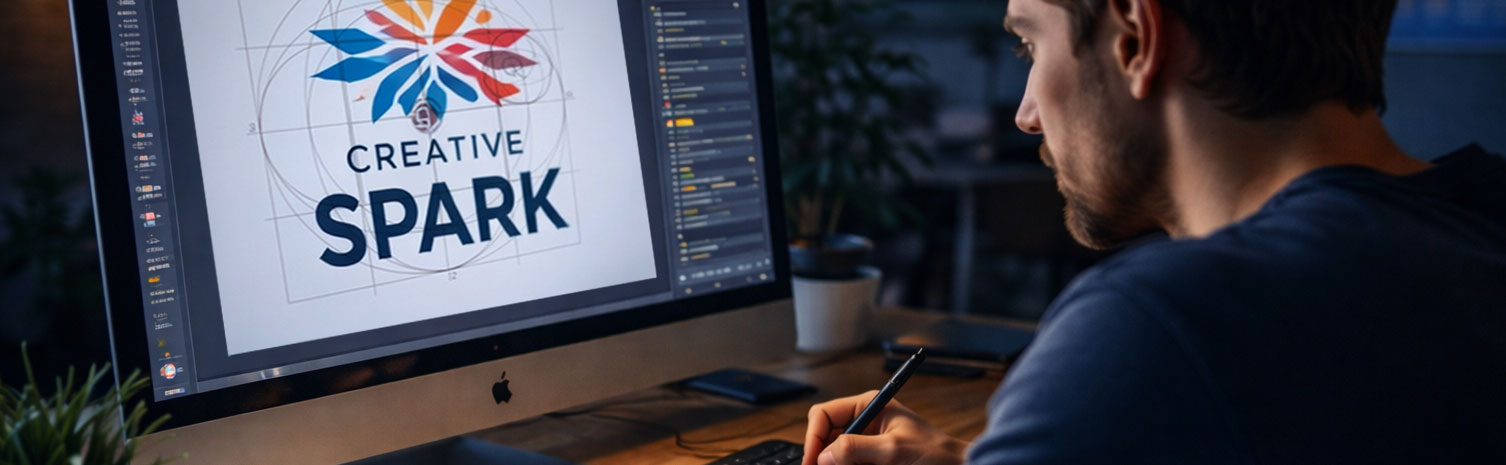
Students will complete practical Illustrator exercises and a final Illustrator-based project. Depending on the project direction, this may include:
- Vector shapes and paths construction exercises.
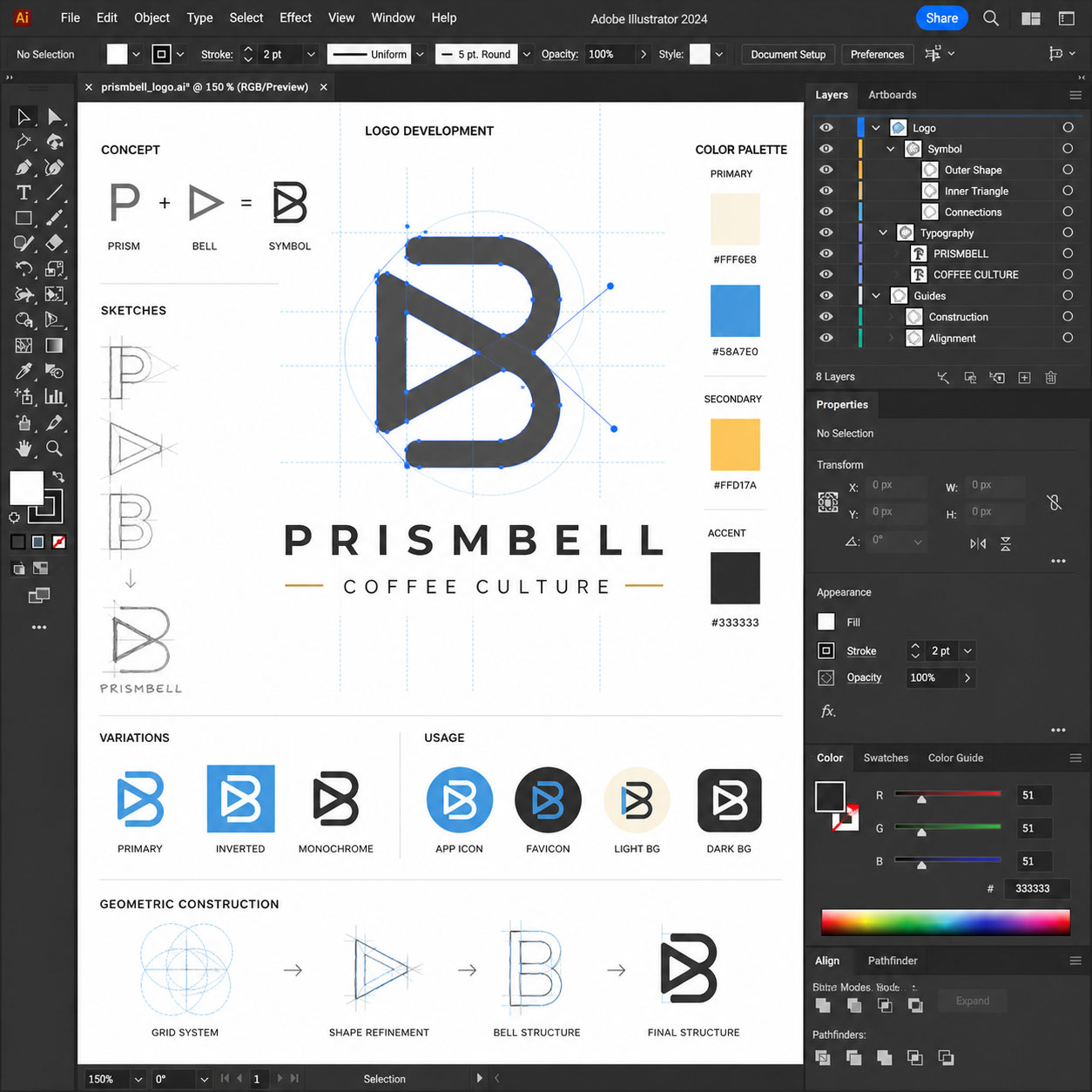
- A logo concept or logo refinement project.
- A set of icons or visual symbols.
- A simple brand asset system.
- A typography and color study.
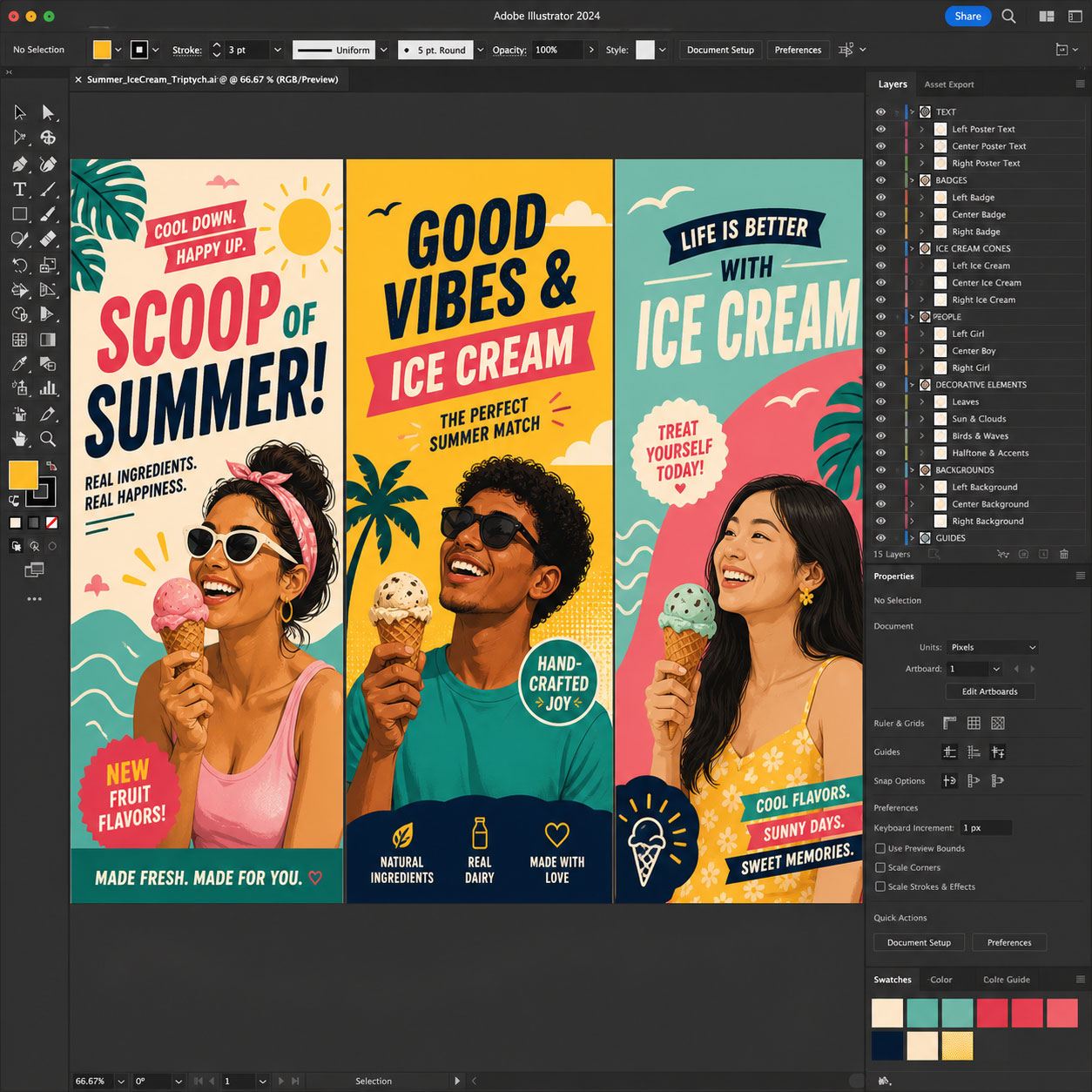
- An illustration or vector-based composition.
- An AI-assisted concept exploration or visual refinement workflow.
- A final Illustrator project suitable for portfolio presentation or continued development.
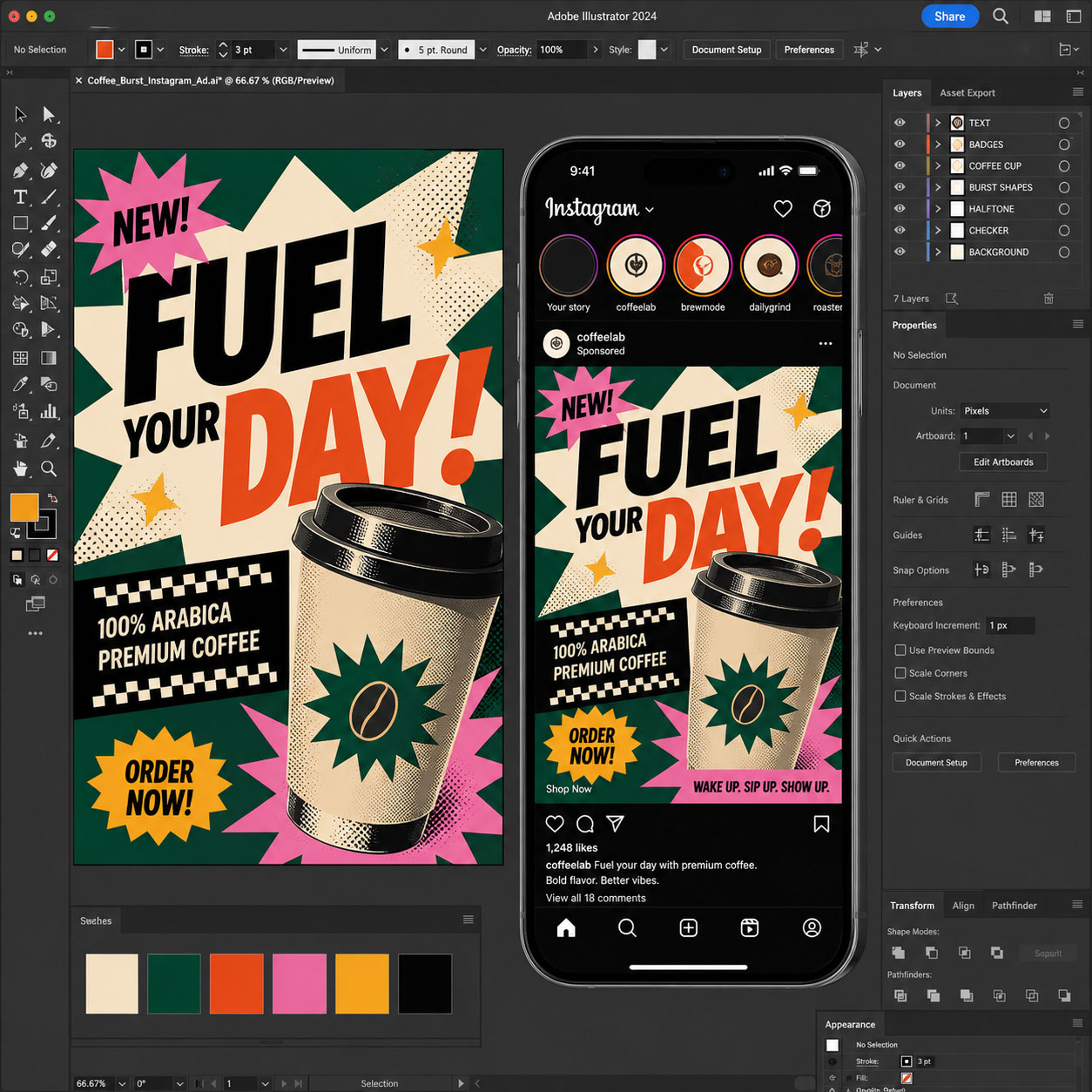
Examples of Classwork
Course Structure
This course includes 12 hours of live online instruction delivered either as four 3-hour sessions or two 6-hour Saturday sessions. Classes combine instructor demonstrations, guided practice, hands-on exercises, critiques, and project-based learning focused on practical professional workflows.
Each module introduces a core software skill and includes applied exercises designed to help students build confidence and improve their work during class. Students who successfully complete the full course and final project earn the Solovant Certificate, demonstrating a solid foundation in professional workflows used across disciplines.
Session 1: Illustrator Essentials
(3 Hours)
The first session introduces students to the Adobe Illustrator workspace and the essential tools used in professional vector design. Students learn how to create and edit shapes, work with paths, organize artwork using layers, apply color, and prepare documents for print and digital media.
Topics Covered
- Adobe Illustrator interface and workspace
- Artboards and document setup
- Vector vs. raster graphics
- Basic drawing tools
- Shapes and path editing
- Selection and Direct Selection tools
- Layers and object organization
- Color, fills, and strokes
- Typography basics
- Exporting files for print and digital media
Module Project
Students will create a promotional flyer or social media graphic using vector illustrations, typography, color, and layout techniques. The project emphasizes clean organization, scalable artwork, and professional file preparation.
Session 2: Logo Design & Vector Illustration
(3 Hours)
This session focuses on creating professional vector illustrations and logo designs using precision drawing tools and industry-standard workflows. Students develop artwork suitable for branding, marketing, and visual identity projects.
Topics Covered
- Pen Tool fundamentals
- Bezier curves and anchor points
- Shape Builder Tool
- Pathfinder panel
- Creating custom icons
- Logo construction techniques
- Working with typography in logos
- Color palettes and brand consistency
- Symbols and reusable assets
Module Project
Students will design a complete logo and icon system for a real or fictional company. The project includes concept development, precision vector drawing, color application, and professional logo exports.
Session 3: Advanced Illustration & AI Workflows
(3 Hours)
Students learn advanced vector illustration techniques while exploring AI-assisted workflows that accelerate concept development and creative production. The session emphasizes efficient professional workflows for illustration, marketing, and digital design.
Topics Covered
- Advanced Pen Tool techniques
- Gradients and Gradient Mesh
- Pattern creation
- Brushes and custom brushes
- Blending and appearance effects
- Clipping masks
- Image Trace
- Creating infographics and illustrations
- Introduction to Generative AI
- Generative Recolor
- Adobe Firefly integration
- AI-assisted creative workflows
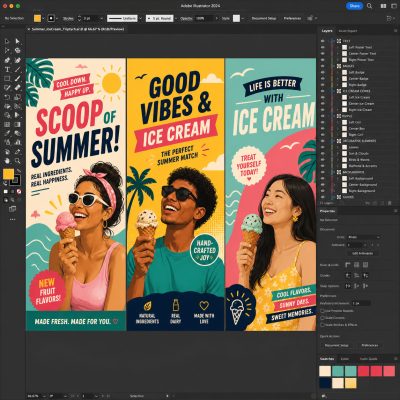
Module Project
Students will create a professional vector illustration, poster, or marketing graphic that combines advanced illustration techniques with AI-assisted tools. The project emphasizes composition, color, scalability, and visual communication.
Session 4: Portfolio Project
(3 Hours)
The final session integrates the techniques learned throughout the course. Students plan, develop, refine, and present a complete Illustrator project while receiving instructor feedback throughout the creative process.
Topics Covered
- Planning a client project
- Building organized Illustrator files
- Brand identity development
- Illustration refinement
- Typography and layout
- Preparing print and digital exports
- Portfolio presentation
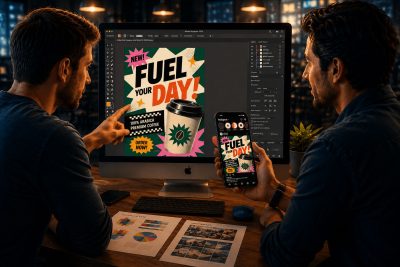
Final Project
Students will create a complete branding or promotional design project for a real or fictional client. The project should demonstrate the skills learned throughout the course, including vector illustration, logo design, typography, color, layout, and AI-assisted creative workflows. Students will present their finished work during the final class and receive instructor feedback.
Successful completion of all four modules and the final project earns the Solovant Illustrator Certificate.
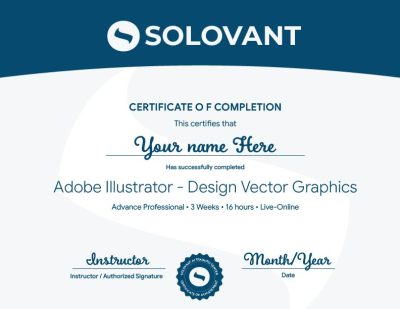
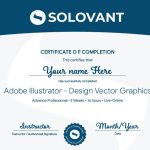
Certificate of Completion
Students who complete the course requirements will receive a SOLOVANT Adobe Photoshop Bootcamp Certificate.
The certificate reflects completion of a structured live online course focused on Photoshop fundamentals, retouching, image manipulation, compositing, and AI-assisted image workflows.
Academic and Professional Teaching Model
SOLOVANT courses are designed for learners who want more than short tutorials or isolated software tips. This course follows a structured academic and professional approach that combines technical demonstration, guided practice, visual analysis, project-based learning, and instructor feedback.
Courses are taught by instructors with graduate-level education, university teaching experience, professional certifications, and experience in design, digital media, technology, and artificial intelligence.
The goal is to help students understand Photoshop as a professional creative tool while developing the technical and conceptual skills needed for contemporary design and media production.
AI in Illustrator Workflows
Artificial intelligence is becoming an important part of modern vector design and illustration workflows. In Illustrator, AI-supported tools can assist with vector generation, recoloring artwork, creating variations, editing graphics, and accelerating creative exploration.
This course introduces AI as a professional support tool, not as a replacement for design thinking, creativity, or technical skill. Students learn how to use AI strategically while maintaining control over composition, branding, typography, color, and visual communication.
The course also encourages critical awareness of AI limitations, including inaccurate vector generation, inconsistent results, concerns about originality, and the need for careful human review and refinement.
Tuition
Regular Tuition: $690
Summer Sale: $590
What Is Included
Adobe Photoshop Bootcamp Certificate
12 hours of live online instruction
4 guided class sessions
Adobe Certified Instructor
Graduate-level professor
Free course retake
Class recordings included
25% discount on your next class
One 1-on-1 mentoring session included
Schedule
- Duration: 4 sessions
- Total Instruction: 12 hours
- Format: Live online
-
Weeknight class option:
Tue & Thu – Feb 1, 3, 8, and 10th- Time: 6:00 pm to 9:00 PM
-
Saturday class option:
Feb 6th and 13th- Time: 10:00 AM to 4:30 PM
-
Sale!
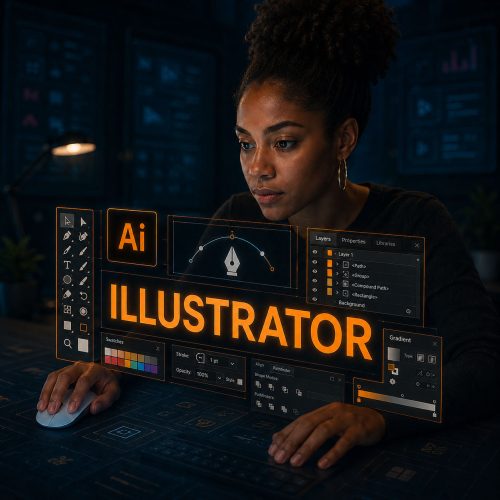
Enroll in the Illustrator Vector Graphics and Logo Design Course
Join this live online course and build practical Illustrator skills through guided instruction, hands-on exercises, and instructor feedback.
You will learn how to create scalable vector graphics, logos, icons, brand assets, and clean visual systems using Adobe Illustrator.
-
Sale!
Enroll in the Illustrator Vector Graphics and Logo Design Course
Join this live online course and build practical Illustrator skills through guided instruction, hands-on exercises, and instructor feedback.
You will learn how to create scalable vector graphics, logos, icons, brand assets, and clean visual systems using Adobe Illustrator.
Continue Into the Full Certificate Program
Students who complete this course may continue into the full Graphic Design & AI Certificate Program, which expands into Illustrator, InDesign, graphic design foundations, AI-supported creative workflows, and portfolio development.
This makes the Photoshop course a focused entry point into a broader professional design pathway.
Earn Your Illustrator Certificate

If you have any questions, feel free to contact us
We can schedule a Zoom or Phone Call to answer all your questions
hello@solovant.com