

Adobe InDesign Certificate:
 Typography, Layout Design & Digital Publishing
Develop professional InDesign skills in a focused live online course covering layout design, typography, multi-page documents, professional publishing, and AI-assisted workflows.
Course Overview
The Adobe InDesign Certificate: Layouts & Digital Publishing is a structured professional course focused on page layout, typography, multi-page documents, digital publishing, and AI-assisted publishing workflows.
Students learn how to use Adobe InDesign as a professional layout and publishing tool. The course introduces essential InDesign techniques, including document setup, margins, columns, grids, text frames, image frames, paragraph styles, character styles, parent pages, visual hierarchy, and export settings. Students also explore how AI-supported tools can assist with content planning, text refinement, layout exploration, project organization, and workflow refinement.
This course is designed for learners who want more than a basic software tutorial. Students develop technical control, typographic judgment, and a stronger understanding of how InDesign fits into contemporary graphic design, publishing, marketing, digital media, and professional communication.

Who This Course Is For
This course is designed for students, beginning designers, marketing professionals, communications professionals, content creators, entrepreneurs, and creative professionals who want to develop practical InDesign skills for layout design, typography, multi-page documents, and digital publishing.
It is appropriate for beginners who want a structured introduction to InDesign, as well as learners who have used InDesign before but want a more professional and organized workflow.
This course is also a strong option for students considering the full Graphic Design & AI Certificate Program, but who want to begin with a single, focused course.
No advanced InDesign experience is required, but students should be prepared for a rigorous, hands-on learning experience.
Learning Outcomes
- By the end of this course, students will be able to:
- Navigate the InDesign workspace efficiently.
- Set up professional documents using pages, margins, columns, grids, and bleeds.
- Organize text and images using frames, styles, and structured layouts.
- Apply typography, spacing, alignment, and hierarchy to improve readability.
- Create multi-page layouts for print, PDF, digital publishing, and portfolio use.
- Produce a complete InDesign layout project.
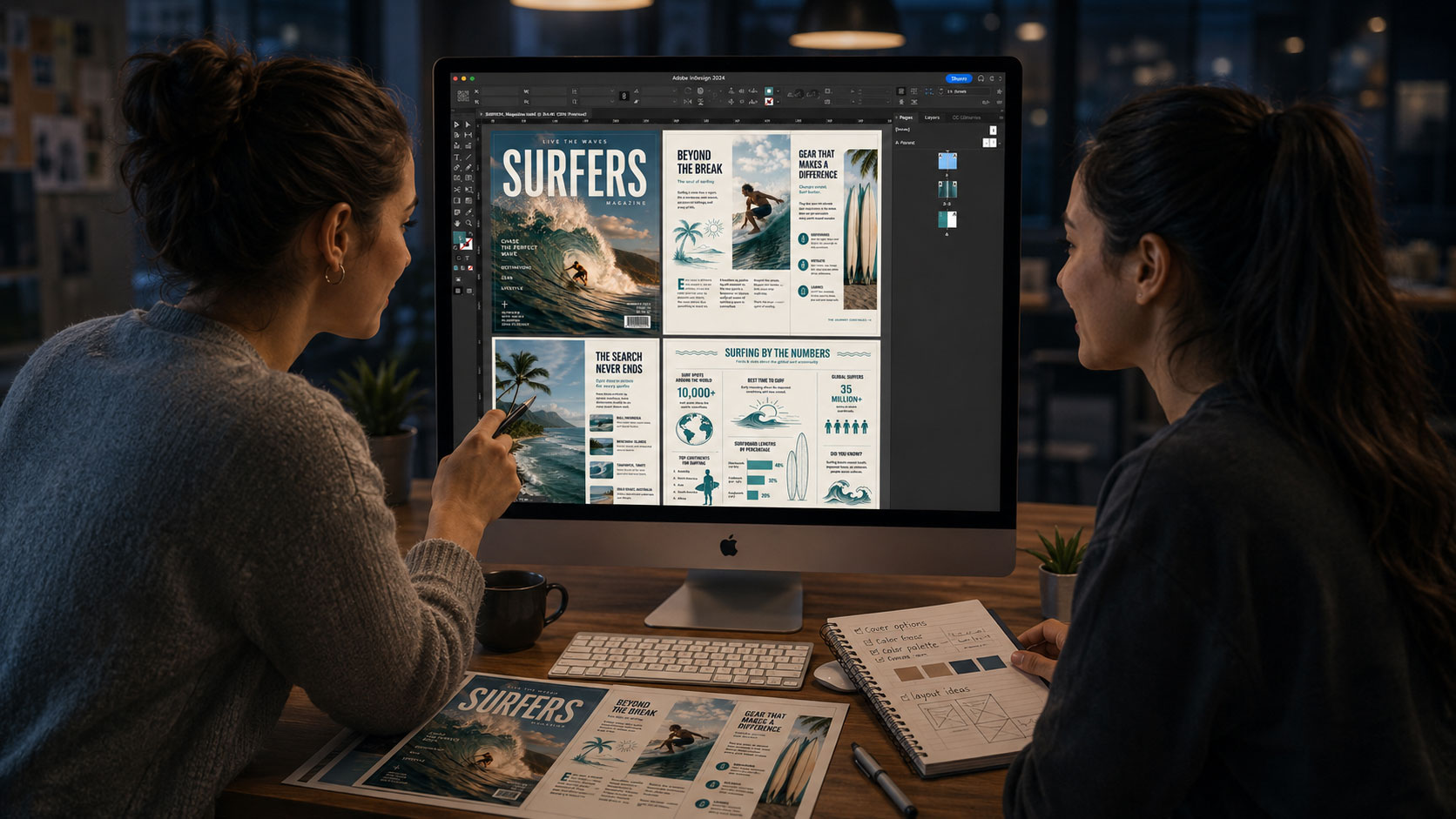
What You Will Create
Students will complete practical InDesign exercises and a final InDesign-based layout project. Depending on the project direction, this may include:
A page layout and grid exercise.
A typography and hierarchy study.
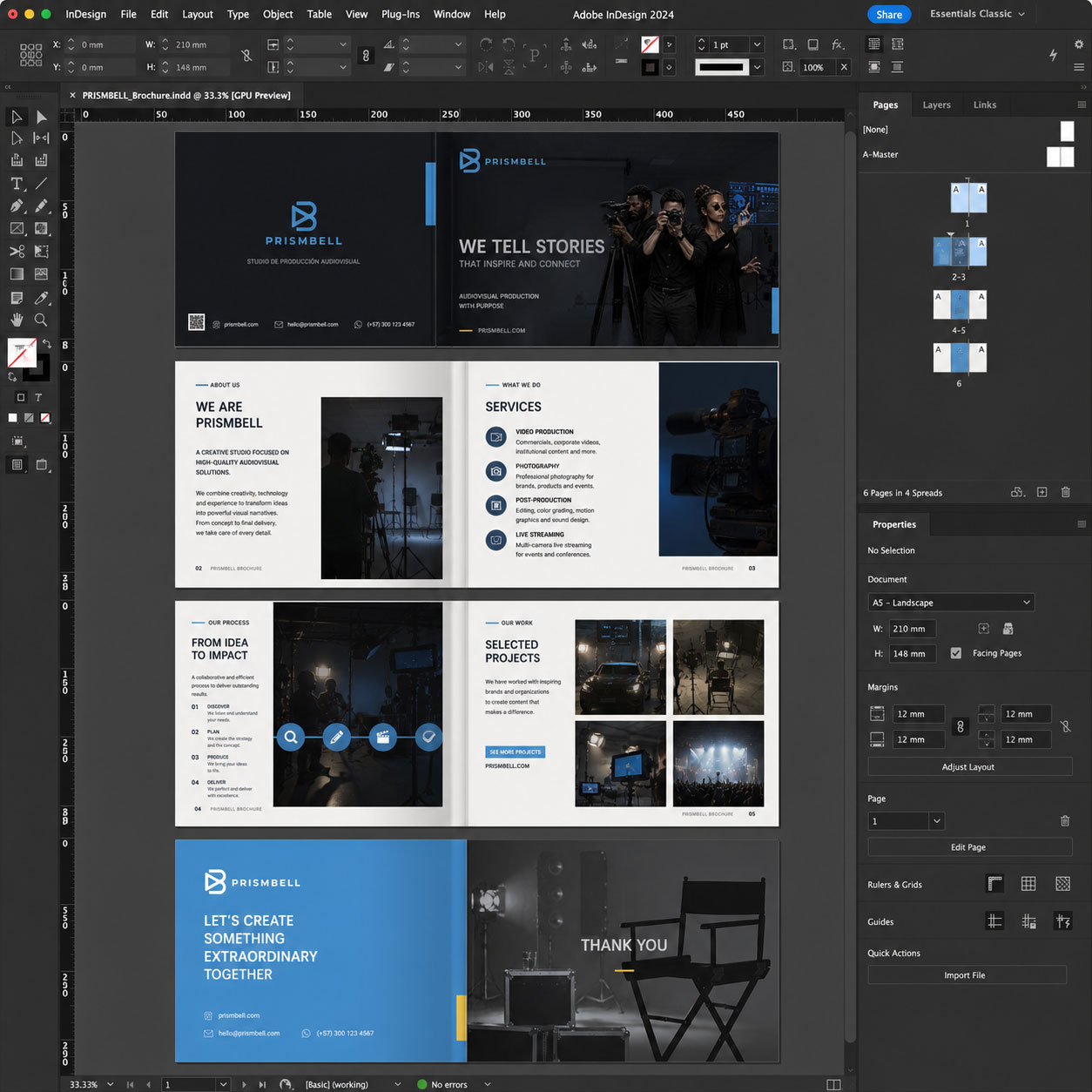
A brochure or flyer layout.
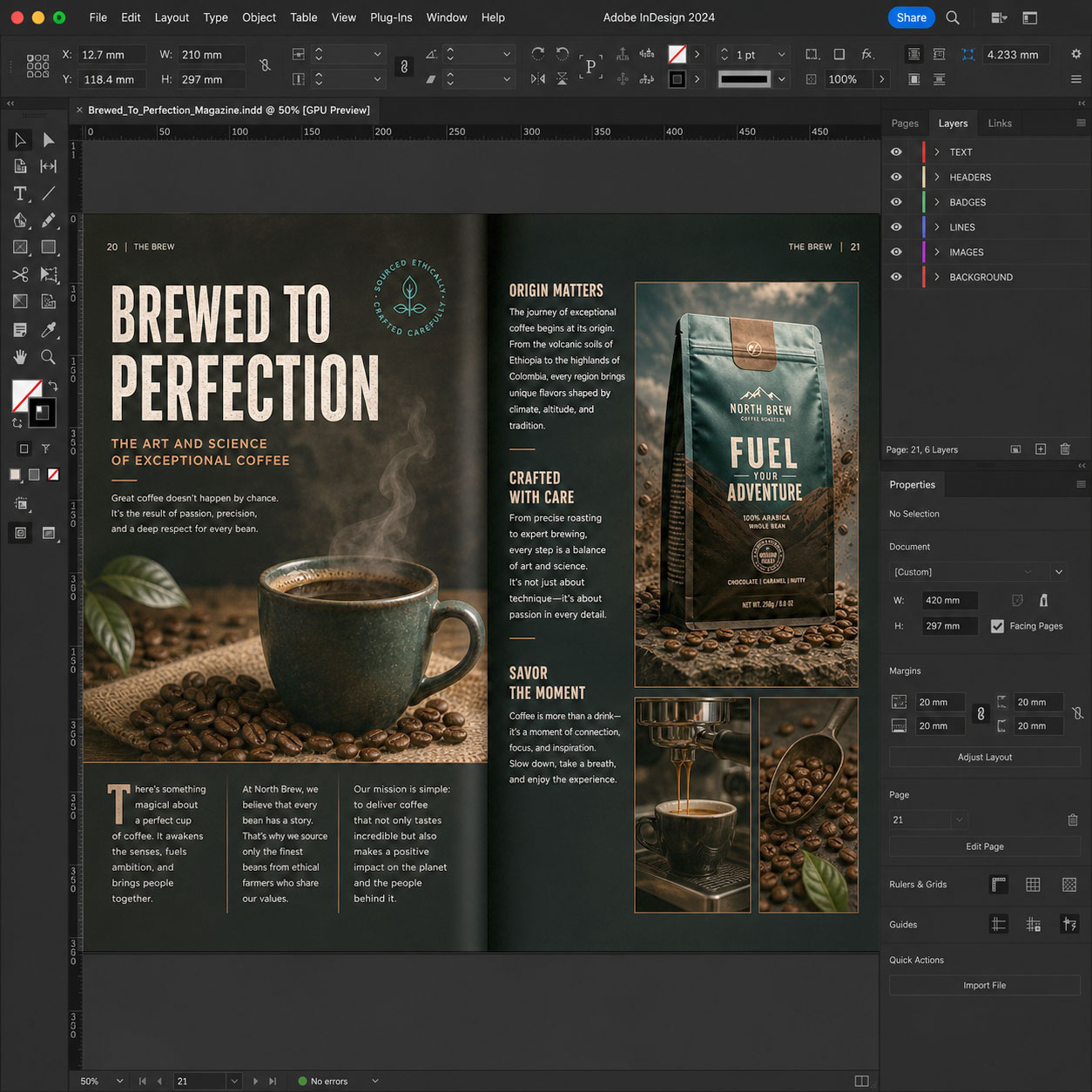
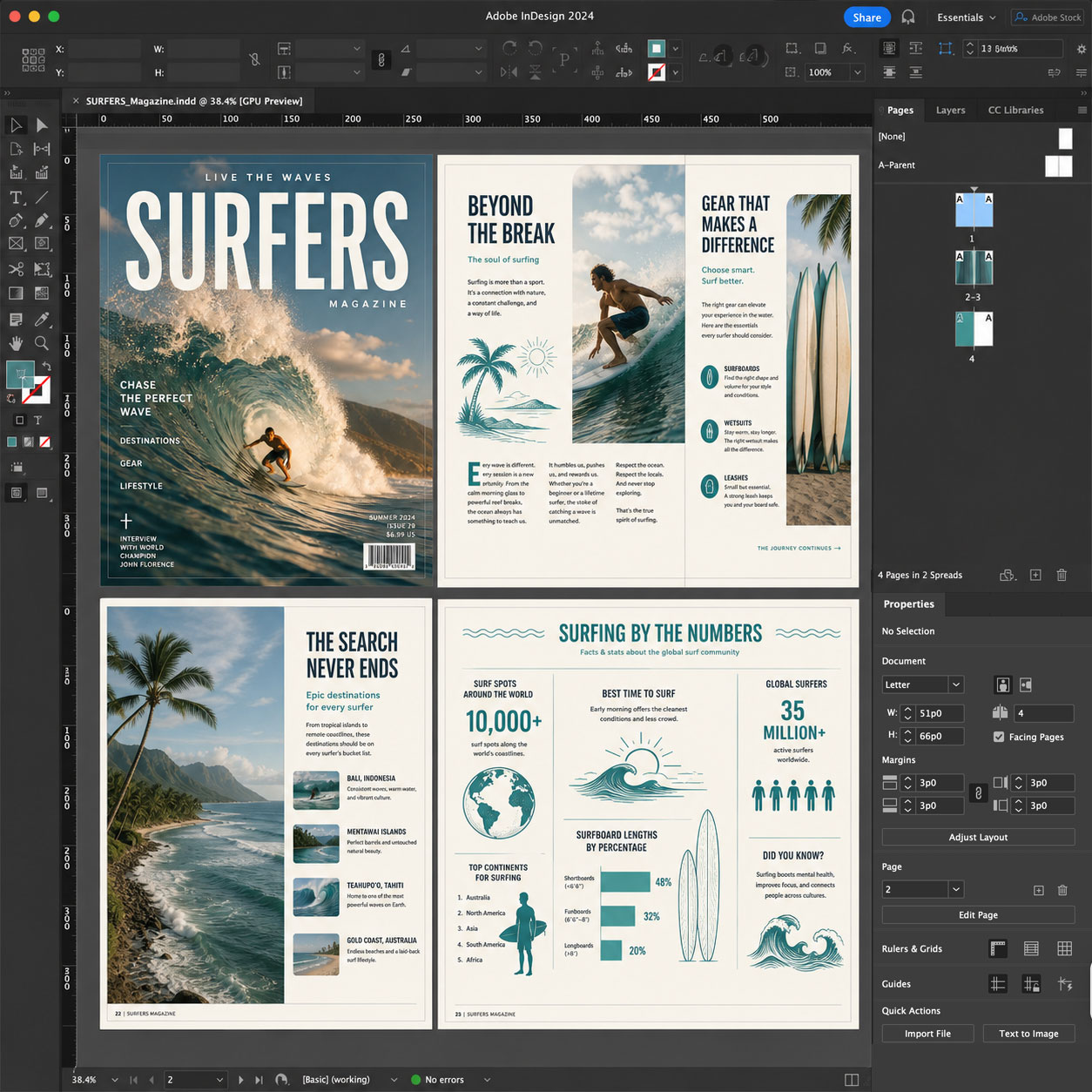
A magazine or editorial spread.
A digital interactive magazine.
A short multi-page publication.
A portfolio, catalog, report, or presentation-ready document.
An AI-assisted content planning or layout refinement workflow.
A final InDesign project suitable for portfolio presentation or continued development.
Examples of Classwork
Course Structure
This course includes 12 hours of live online instruction delivered either as four 3-hour sessions or two 6-hour Saturday sessions. Classes combine instructor demonstrations, guided practice, hands-on exercises, critiques, and project-based learning focused on practical professional publishing workflows.
Each module introduces a core InDesign skill and includes applied exercises designed to help students build confidence and improve their work during class. Students who successfully complete the full course and final project earn the Solovant Certificate, demonstrating a solid foundation in professional layout and publishing workflows.
Session 1: InDesign Essentials
(3 Hours)
The first session introduces students to the Adobe InDesign workspace and the core tools used in professional page layout. Students learn how to create documents, organize pages, work with text and image frames, apply grids, and build clean layouts while becoming comfortable with the interface.
Topics Covered
- InDesign interface and workspace
- Document setup and page sizes
- Margins, columns, and bleeds
- Pages and Parent Pages
- Text frames and image frames
- Typography fundamentals
- Paragraph and character styles
- Placing images and linked assets
- Exporting documents for print and PDF
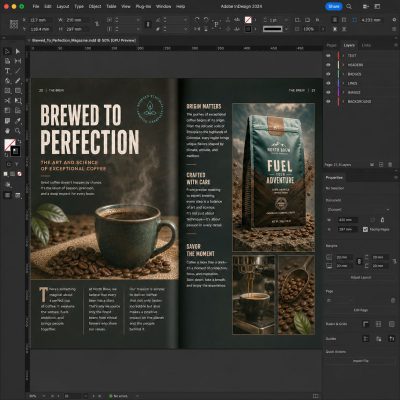
Module Project
Students will create a promotional social media graphic by combining photographs, typography, and simple graphic elements. The project includes color correction, layer organization, masking, and exporting professional-quality artwork.
Session 2: Typography & Multi-Page Documents
(3 Hours)
This session focuses on professional typography and multi-page document creation. Students learn how to organize longer publications while maintaining consistency, readability, and visual hierarchy.
Topics Covered
- Paragraph and character styles
- Object styles
- Typography and visual hierarchy
- Text flow across pages
- Parent Pages
- Headers, footers, and page numbering
- Tables and simple graphics
- Reusable layout elements
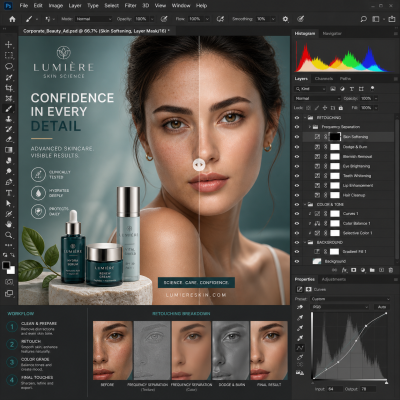
Module Project
Students will create a multi-page brochure, magazine spread, or report. The project includes professional typography, consistent page layouts, reusable styles, and organized document structure.
Session 3: Professional Publishing & AI Workflows
(3 Hours)
Students learn advanced layout techniques used in publishing, marketing, and editorial design while exploring AI-assisted workflows that support planning, writing, and creative production.
Topics Covered
- Advanced layout techniques
- Integrating Photoshop and Illustrator assets
- Packaging files for production
- Interactive PDF features
- Digital publishing basics
- Introduction to AI-assisted workflows
- AI for content planning
- AI for text refinement
- Layout exploration and iteration
- Preflight and quality control
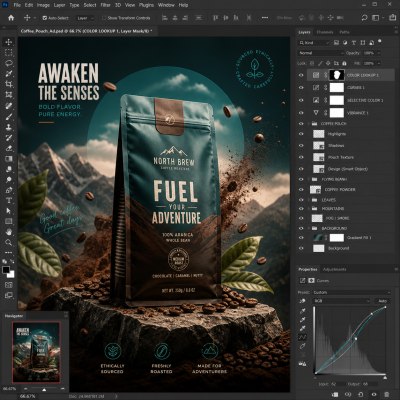
Module Project
Students will create a professional publication such as an editorial spread, digital interactive magazine, catalog, or presentation document. The project emphasizes visual hierarchy, typography, image integration, and AI-assisted content development.
Session 4: Portfolio Project
(3 Hours)
The final session brings together the techniques learned throughout the course. Students plan, build, refine, and present a complete InDesign project while receiving instructor feedback and guidance throughout the design process.
Topics Covered
- Planning a client publication
- Building a complete InDesign document
- Typography and layout refinement
- Preparing print and digital exports
- Portfolio presentation
- Professional publishing workflow

Final Project
Students will create a complete publication for a real or fictional client, such as a magazine, brochure, catalog, annual report, portfolio, or digital interactive publication. The project should demonstrate the skills learned throughout the course, including typography, layout design, image integration, multi-page organization, and professional production workflows. Students will present their finished work during the final class and receive instructor feedback.
Successful completion of all four modules and the final project earns the Solovant InDesign Certificate.
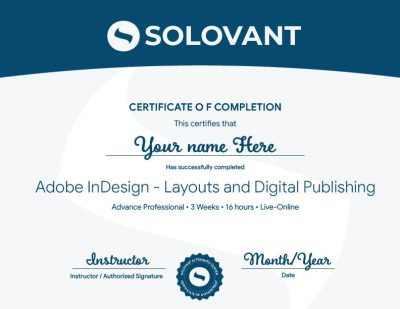
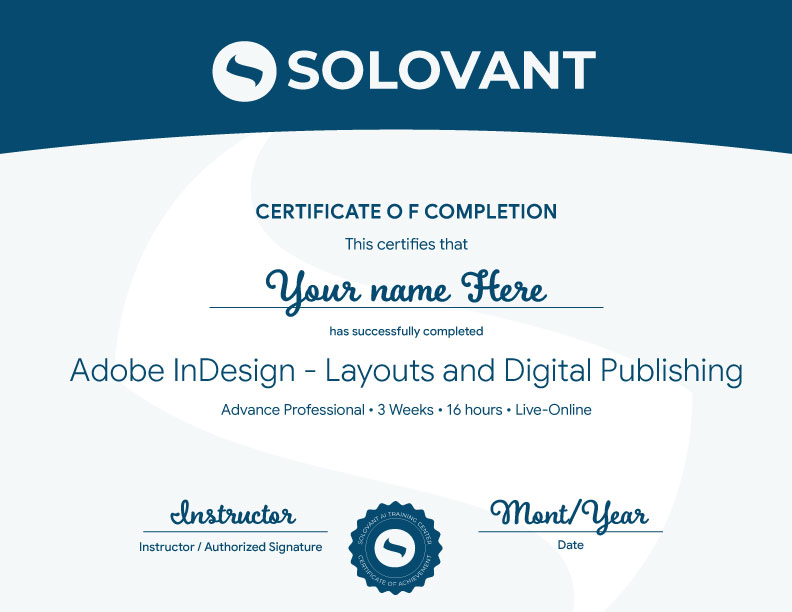
Certificate of Completion
Students who complete the course requirements will receive a Solovant Adobe InDesign Certificate.
The certificate reflects completion of a structured live online course focused on professional page layout, typography, multi-page document design, digital publishing, and AI-assisted publishing workflows.
Academic and Professional Teaching Model
SOLOVANT courses are designed for learners who want more than short tutorials or isolated software tips. This course follows a structured academic and professional approach that combines technical demonstration, guided practice, visual analysis, project-based learning, and instructor feedback.
Courses are taught by instructors with graduate-level education, university teaching experience, professional certifications, and experience in design, digital media, technology, and artificial intelligence.
The goal is to help students understand InDesign as a professional publishing and layout tool while developing the technical and conceptual skills needed for contemporary design, publishing, and professional communication.
AI in InDesign Workflows
Artificial intelligence is now part of modern publishing, layout design, and professional communication workflows. In InDesign, AI-supported tools can assist with content planning, text refinement, layout exploration, document organization, and design iteration.
This course introduces AI as a professional support tool, not as a replacement for typographic skill, layout knowledge, or visual judgment. Students learn how to use AI strategically while maintaining control over structure, readability, hierarchy, accuracy, and final publication quality.
The course also encourages critical awareness of AI limitations, including generic content, factual errors, inconsistent results, concerns about originality, and the need for human review.
Tuition:
Normal $690
Summer Sale $590
What is included:
- Adobe InDesign Bootcamp Certificate
- 12 hours in 4 sessions
- Adobe Certified Instructor
- Grad Level Professor
- Free Retake
- Class recorded
- 25% discount in next class
- 101 mentoring included
Schedule
- Duration: 4 sessions
- Total Instruction: 12 hours
- Format: Live online
-
Weeknights class option:
Mon & Wed – Feb 15, 17, 23, and 24th- Time: 6:00 pm to 9:00 PM
-
Saturday class option:
Feb 20 and 27st- Time: 10:00 AM to 4:30 PM

-
Sale!

Enroll in the InDesign Layouts and Digital Publishing Course
Join this live online course and build practical InDesign skills through guided instruction, hands-on exercises, and instructor feedback.
You will learn how to create professional layouts, multi-page documents, brochures, portfolios, reports, and digital publications using Adobe InDesign.
-
Sale!
Enroll in the InDesign Layouts and Digital Publishing Course
Join this live online course and build practical InDesign skills through guided instruction, hands-on exercises, and instructor feedback.
You will learn how to create professional layouts, multi-page documents, brochures, portfolios, reports, and digital publications using Adobe InDesign.
Continue Into the Full Certificate Program
Students who complete this course may continue into the full Graphic Design & AI Certificate Program, which expands into Illustrator, InDesign, graphic design foundations, AI-supported creative workflows, and portfolio development.
This makes the InDesign course a focused entry point into a broader professional design pathway.
Earn Your InDesign Certificate

If you have any questions, feel free to contact us
We can schedule a Zoom or Phone Call to answer all your questions
hello@solovant.com