

Microsoft Excel for Business Essentials:
 Foundations, Formulas and Data Management
Develop practical Excel skills in a focused live online course covering spreadsheet organization, formulas, functions, data formatting, tables, charts, business reporting, and AI-assisted workflows.
Course Overview
The Microsoft Excel for Business course is a live online certificate course designed for students and professionals who want to build practical spreadsheet skills for business, academic, and everyday workplace tasks.
Students learn how to organize data, create formulas, analyze information, build charts, format professional spreadsheets, and use essential Excel tools through guided demonstrations, hands-on exercises, and real-world business examples. The course also introduces AI-assisted workflows that help improve productivity, automate repetitive tasks, and support data analysis while emphasizing accuracy and critical thinking.

Who This Course Is For
This course is designed for beginners and professionals who want to develop practical Microsoft Excel skills for business, education, and everyday work. It is ideal for office professionals, administrative staff, managers, entrepreneurs, students, job seekers, and anyone who works with spreadsheets and wants to become more efficient, organized, and confident using Excel.
No Excel experience is required, but students should be prepared for a rigorous, hands-on learning experience.
Learning Outcomes
By the end of this course, students will be able to:
- Navigate the Microsoft Excel interface and organize workbooks and worksheets efficiently.
- Create and format professional spreadsheets using industry best practices.
- Use formulas and essential functions to perform calculations and automate tasks.
- Organize, sort, filter, and analyze business data.
- Create tables, charts, and visual reports to communicate information effectively.
- Apply formatting and data validation tools to improve accuracy and consistency.
- Use AI tools to support formula creation, data analysis, and productivity while maintaining critical review of AI-generated results.
- Prepare, print, and share professional Excel workbooks for business and academic use.

What You Will Create
Throughout the course, students complete practical exercises and business-focused projects designed to build confidence using Microsoft Excel in real-world situations. By the end of the course, students will have created:
- Professionally formatted business spreadsheets
- Budget and expense tracking worksheets
- Sales and inventory tracking tables
- Formula-driven calculation worksheets
- Data tables with sorting, filtering, and validation
- Business charts and visual reports
- A final business spreadsheet project demonstrating practical Excel skills
Examples of Classwork
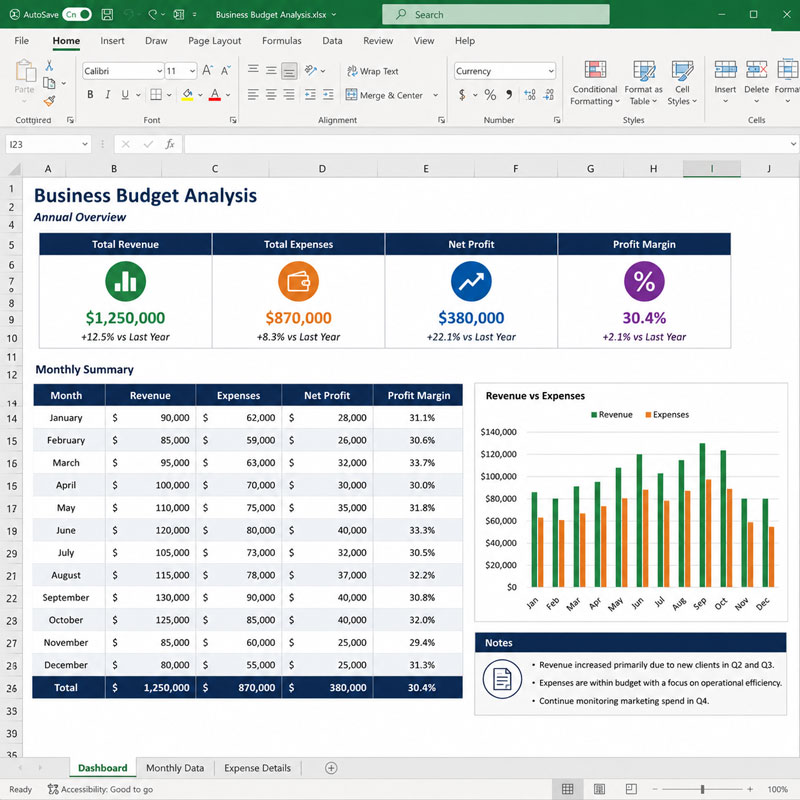
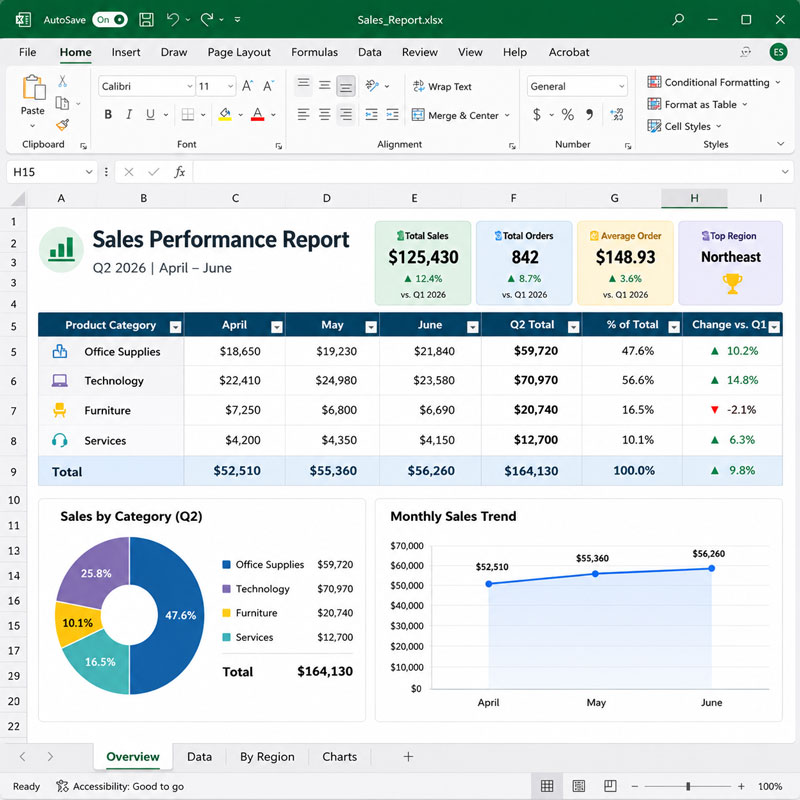
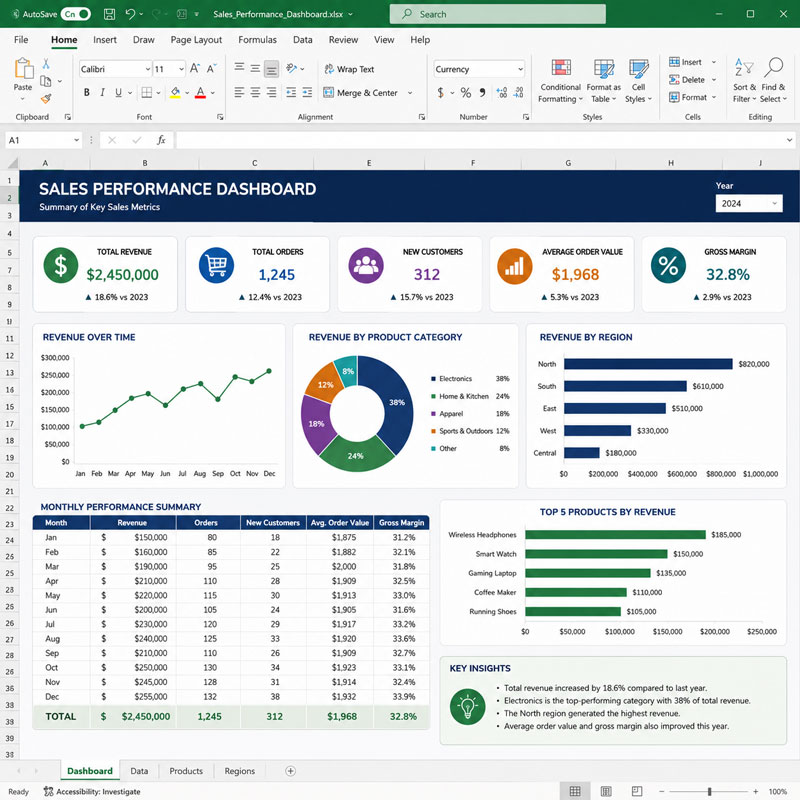
Course Structure
This course includes 12 hours of live online instruction delivered either as four 3-hour sessions or two 6-hour Saturday sessions. Classes combine instructor demonstrations, guided practice, hands-on exercises, feedback, and project-based learning focused on practical Excel workflows for business and professional use.
Each module introduces essential spreadsheet skills and includes applied exercises designed to help students organize data, use formulas, create reports, and work more efficiently during class. Students who successfully complete the full course and final project earn the Solovant Microsoft Excel for Business Certificate, demonstrating a solid foundation in spreadsheet organization, data analysis, reporting, and AI-assisted Excel workflows.
Session 1: Excel Essentials
(3 Hours)
The first session introduces students to the Microsoft Excel workspace and the core tools used in everyday business and professional workflows. Students learn how to create, organize, format, and manage worksheets while building confidence with the Excel interface.
Topics Covered
Excel interface and workbook navigation
Creating, opening, saving, and organizing workbooks
Working with rows, columns, cells, and ranges
Entering, editing, and managing data
Formatting text, numbers, dates, and currency
Adjusting column widths and row heights
Using borders, alignment, and cell styles
Basic formulas and calculations
Managing multiple worksheets
Preparing spreadsheets for printing and sharing
Session 2: Formulas and Functions
(3 Hours)
The second session introduces the essential formulas and functions used in professional spreadsheets. Students learn how to perform calculations, automate repetitive tasks, and build worksheets that update dynamically as data changes.
Topics Covered
Formula fundamentals
Relative and absolute cell references
Mathematical functions (SUM, AVERAGE, MIN, MAX, COUNT)
Logical functions (IF)
Text functions
Date and time functions
AutoFill and Flash Fill
Formula auditing and error checking
Using AI to generate and troubleshoot formulas
Module Project
Students will create a sales and payroll worksheet that automatically performs calculations using formulas and functions. The project includes applying mathematical, logical, text, and date functions to produce accurate, dynamic business calculations.
Session 3: Data Management and Business Reporting
(3 Hours)
The third session focuses on organizing, analyzing, and presenting business data. Students learn how to manage large datasets, identify trends, and create clear visual reports using Excel’s built-in analysis and formatting tools.
Topics Covered
Sorting and filtering data
Excel Tables
Conditional formatting
Data validation
Find and Replace
Removing duplicate records
Creating charts and graphs
Choosing the right chart for business data
Using AI to analyze data and recommend visualizations
Module Project
Students will create a business sales report using an Excel Table, conditional formatting, filters, charts, and data validation. The project demonstrates how to organize data, highlight important information, and present results in a clear, professional format.
Session 4: Business Productivity and Professional Workflows
(3 Hours)
The final session brings together the skills learned throughout the course by focusing on professional spreadsheet workflows and business reporting. Students learn how to build polished workbooks, create visual summaries, and apply AI tools to improve productivity while completing a final business project.
Topics Covered
Workbook organization and management
Advanced formatting techniques
Page layout and printing options
Protecting worksheets and workbooks
Creating professional business reports
Dashboard fundamentals
Productivity tips and keyboard shortcuts
AI-assisted Excel workflows and best practices
Review and project completion
Module Project
Students will create a complete business reporting workbook that combines professionally formatted worksheets, formulas, tables, charts, and a simple dashboard. The project demonstrates practical Excel skills used to organize data, analyze information, communicate results, and prepare a workbook for professional use.
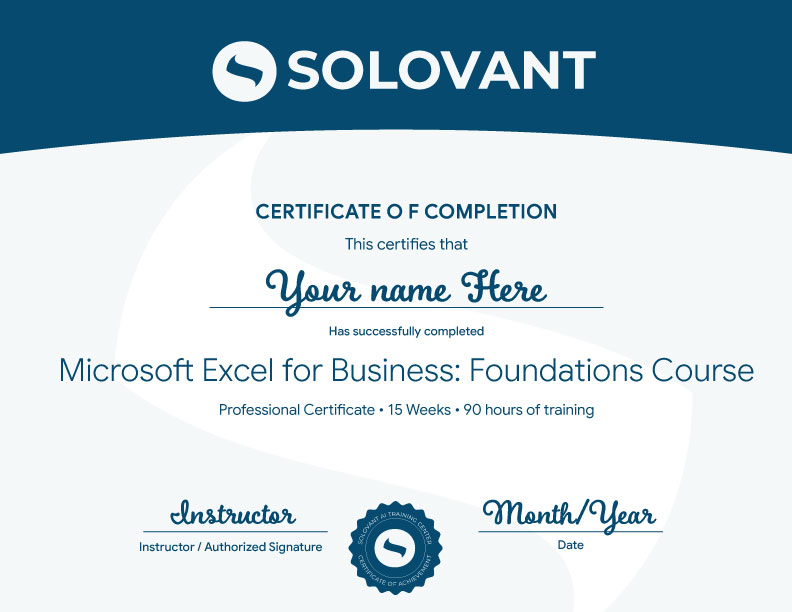
Certificate of Completion
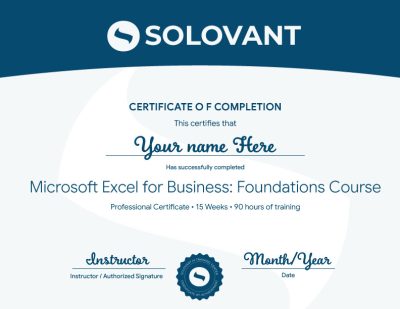
Students who complete the course requirements will receive a SOLOVANT Microsoft Excel for Business Advanced Certificate.
The certificate reflects completion of a structured live online course focused on advanced formulas, data management, Power Query, PivotTables, dashboards, business reporting, forecasting, and AI-assisted Excel workflows.
Academic and Professional Teaching Model
SOLOVANT courses are designed for learners who want more than short tutorials or isolated software tips. This course follows a structured academic and professional approach that combines technical demonstrations, guided practice, business-focused exercises, project-based learning, and instructor feedback.
Courses are taught by instructors with graduate-level education, university teaching experience, professional certifications, and experience in business software, technology, data analysis, productivity, and artificial intelligence.
The goal is to help students understand Microsoft Excel as a professional business tool while developing the technical, analytical, and organizational skills needed for modern workplace tasks, reporting, data management, and decision-making.
AI in Excel Workflows
Artificial intelligence is becoming part of modern spreadsheet work, data analysis, and business reporting. In Excel, AI-supported tools can assist with formula creation, error correction, data organization, trend identification, chart recommendations, summaries, and repetitive tasks.
This course introduces AI as a professional support tool, not as a replacement for Excel knowledge, analytical thinking, or human judgment. Students learn how to use AI strategically while maintaining control over data accuracy, formulas, calculations, business logic, and final decisions.
The course also encourages critical awareness of AI limitations, including incorrect formulas, misleading interpretations, privacy concerns, inconsistent results, and the need to verify all AI-generated recommendations before using them in professional work.
Tuition:
Normal $490
Summer Sale $360
What is included:
- SOLOVANT Microsoft Excel for Business Certificate
- 12 hours of live online instruction in 4 sessions
- Microsoft Certified or industry-experienced instructor
- Graduate-level professor
- Free class retake
- Class recordings
- 25% discount on your next SOLOVANT course
- One-on-one mentoring included
Schedule
- Duration: 4 sessions
- Total Instruction: 12 hours
- Format: Live online
-
Weeknights class option:
Nov 3, 5, 10, and 12th - Time: 6:00 pm to 9:00 PM
-
Saturday class option:
Nov 7 and 14th - Time: 10:00 AM to 4:30 PM
-
Sale!
Ready to Build Strong Graphic Design Foundations?
Enroll in this live online course and develop essential Microsoft Excel skills through guided demonstrations, hands-on exercises, instructor feedback, and business-focused projects.
This course includes structured training in workbook organization, data entry, professional formatting, formulas, functions, tables, sorting, filtering, conditional formatting, data validation, charts, reporting, and AI-assisted Excel workflows. Students complete a final business spreadsheet project and earn the SOLOVANT Microsoft Excel for Business Certificate upon successful completion.
-
Sale!
Ready to Build Strong Graphic Design Foundations?
Enroll in this live online course and develop essential Microsoft Excel skills through guided demonstrations, hands-on exercises, instructor feedback, and business-focused projects.
This course includes structured training in workbook organization, data entry, professional formatting, formulas, functions, tables, sorting, filtering, conditional formatting, data validation, charts, reporting, and AI-assisted Excel workflows. Students complete a final business spreadsheet project and earn the SOLOVANT Microsoft Excel for Business Certificate upon successful completion.
Continue Into the Full Certificate Program
Students who complete this course may continue into the full Excel Certificate Program for Business

Earn Your Excel Certificate

If you have any questions, feel free to contact us
We can schedule a Zoom or Phone Call to answer all your questions
hello@solovant.com