
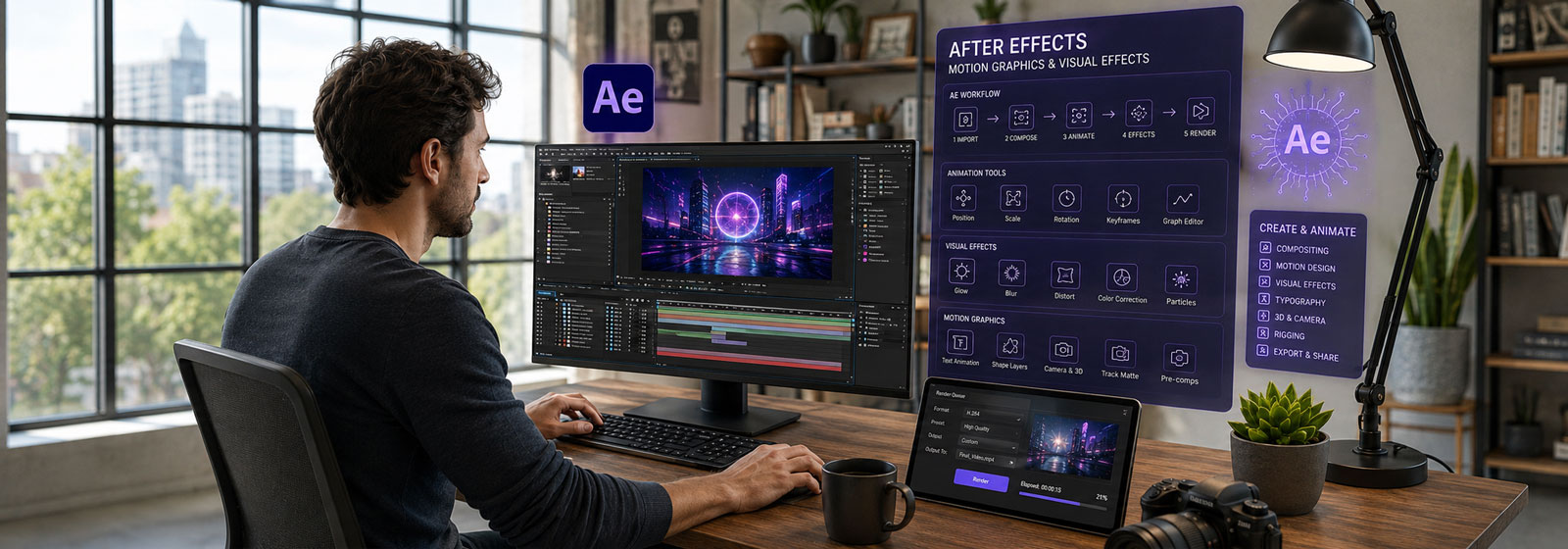
Adobe After Effects Fundamentals:
Motion Graphics & Animation
Develop professional After Effects skills in a focused live online course covering motion graphics, animation, visual effects, compositing, video production, and AI-assisted creative workflows.
Course Overview
The Adobe After Effects Fundamentals is a structured professional course focused on motion graphics, animation, visual effects, compositing, and AI-assisted creative workflows.
Students learn how to use Adobe After Effects as a professional tool for creating animated graphics, titles, visual effects, and digital media content. The course introduces essential After Effects techniques, including compositions, layers, keyframes, text animation, shape layers, masks, effects, basic 3D tools, precompositions, and exporting. Students also explore how AI-supported tools can assist with creative exploration, motion asset generation, visual experimentation, and workflow refinement.
This course is designed for learners who want more than a basic software tutorial. Students develop technical skills, animation principles, and a stronger understanding of how After Effects fits into contemporary motion design, video production, social media, marketing, and digital content creation.
Who This Course Is For
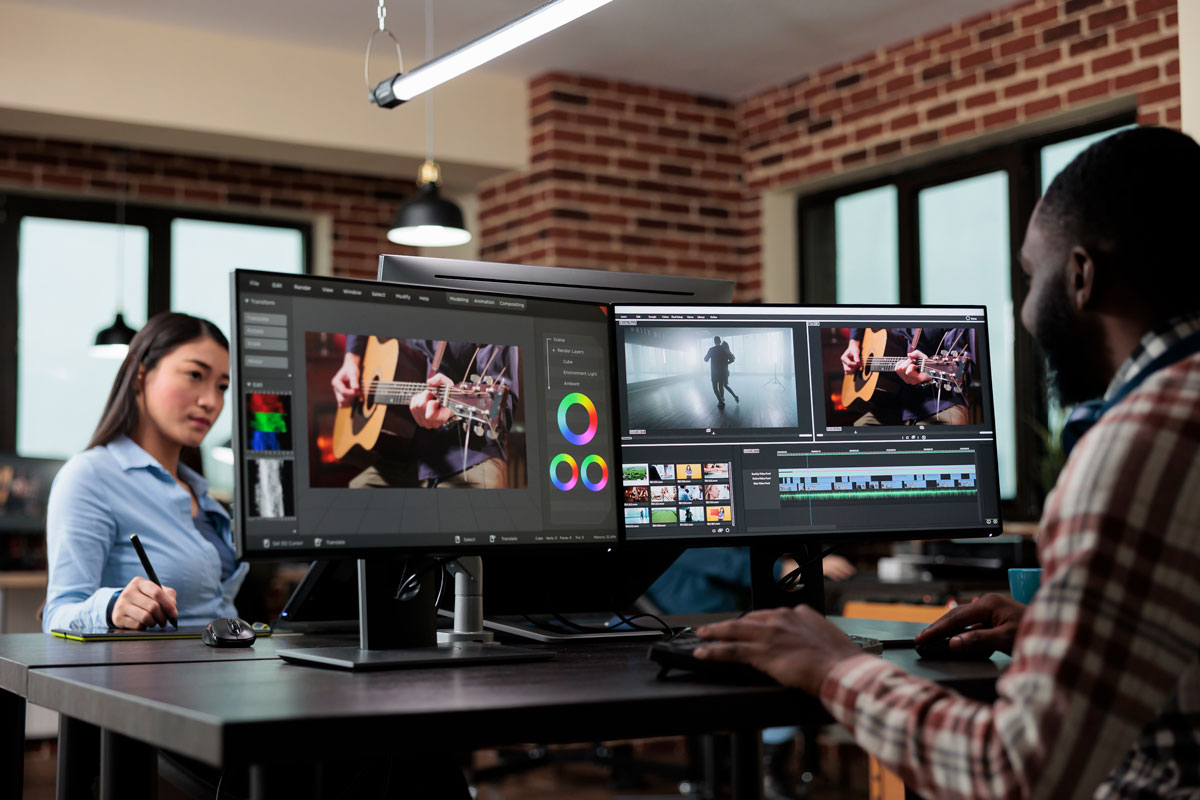
This course is designed for students, graphic designers, video editors, content creators, marketing professionals, educators, trainers, and creative professionals who want to develop practical After Effects skills for motion graphics, animation, visual effects, and digital media production.
It is appropriate for beginners who want a structured introduction to After Effects, as well as learners who have used video, design, or Adobe creative tools before but want a more professional and organized motion graphics workflow.
This course is also a strong option for students considering a broader creative media or design pathway, but who want to begin with a single, focused After Effects course.
No prior After Effects experience is required, but students should be comfortable using a Mac or Windows computer, managing files, and working with basic creative software concepts.
Learning Outcomes
By the end of this course, students will be able to:
- Navigate the After Effects workspace efficiently.
- Create and organize projects, compositions, layers, and imported media.
- Animate text, graphics, images, and video using keyframes, effects, and motion graphics techniques.
- Use masks, shape layers, track mattes, precompositions, and basic 3D tools to build animated compositions.
- Export animations for social media, video editing, and transparent-background overlay workflows.
- Produce a complete motion graphics project suitable for a professional portfolio.
What You Will Create
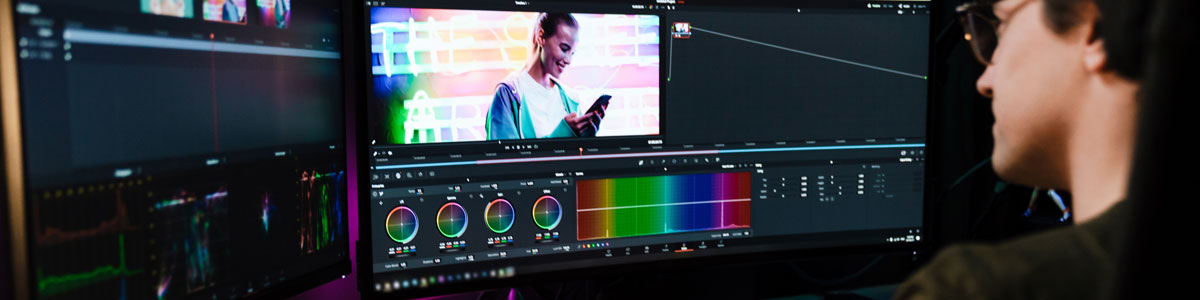
Students will complete practical After Effects exercises and a final motion graphics project. Depending on the project direction, this may include:
- An animated title or lower third.
- A social media motion graphic.
- A text animation or kinetic typography exercise.
- A shape-layer animation.
- A masked reveal or transition.
- A short visual effects or compositing exercise.
- A transparent-background video overlay.
- A final After Effects project suitable for portfolio presentation or continued development.
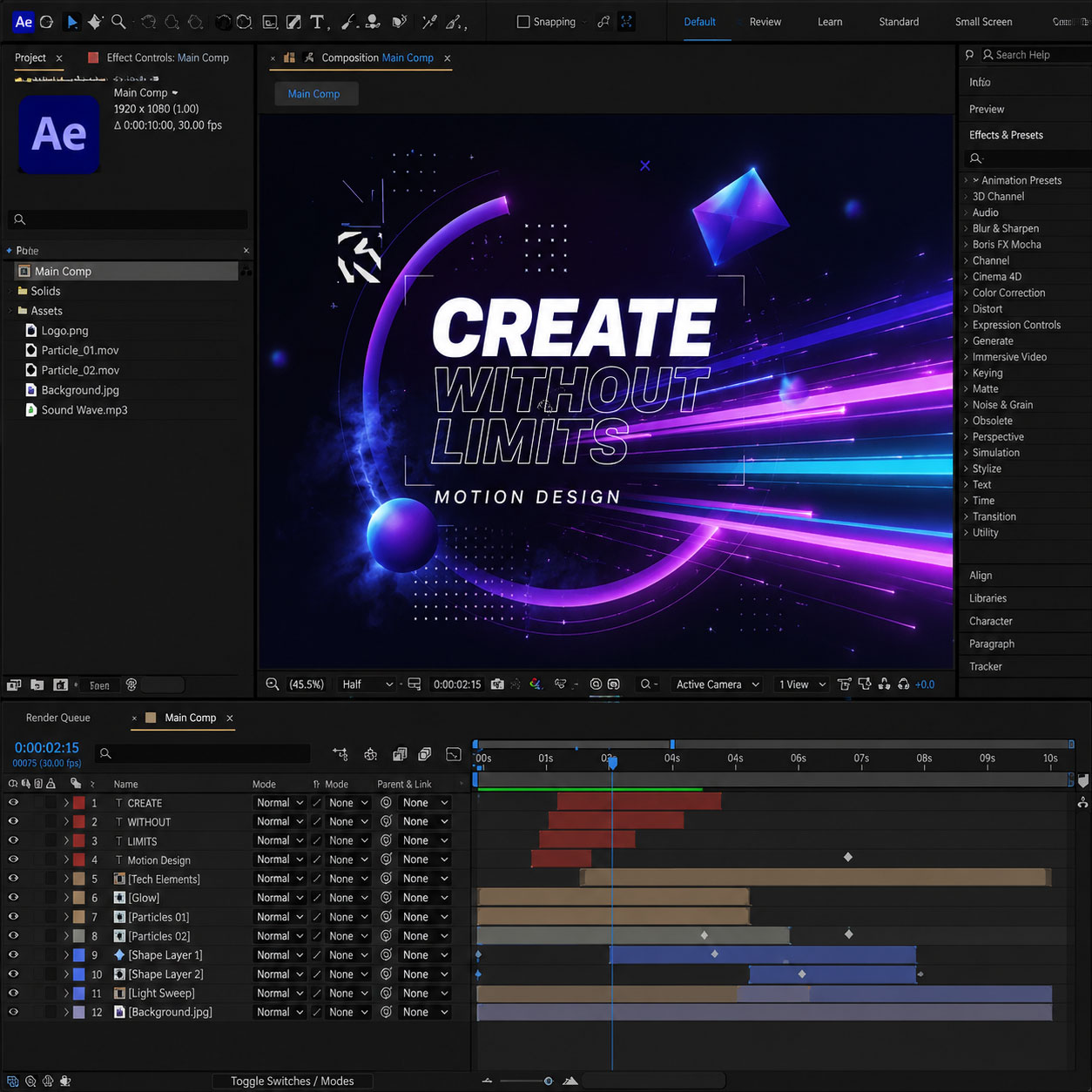
Examples of Classwork
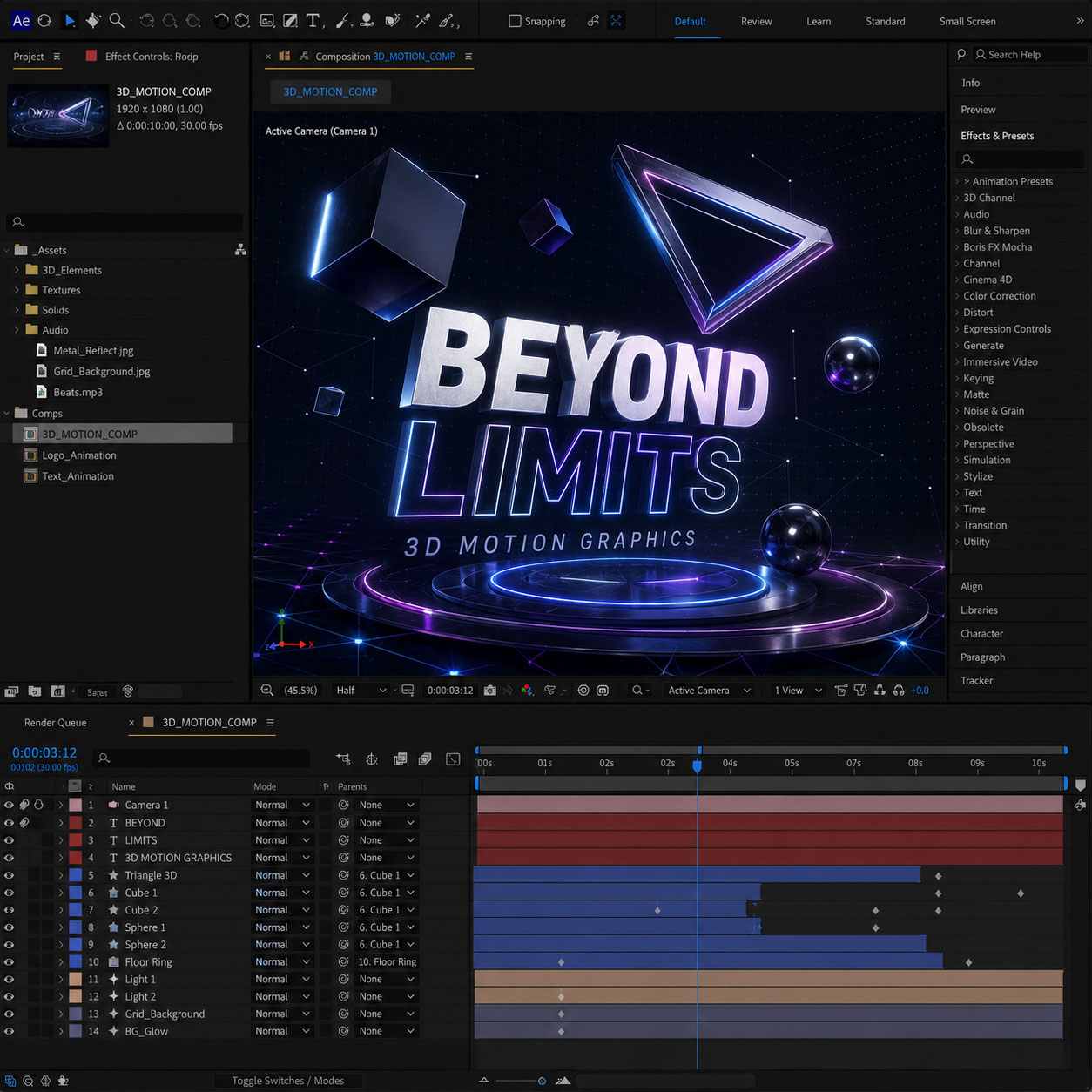
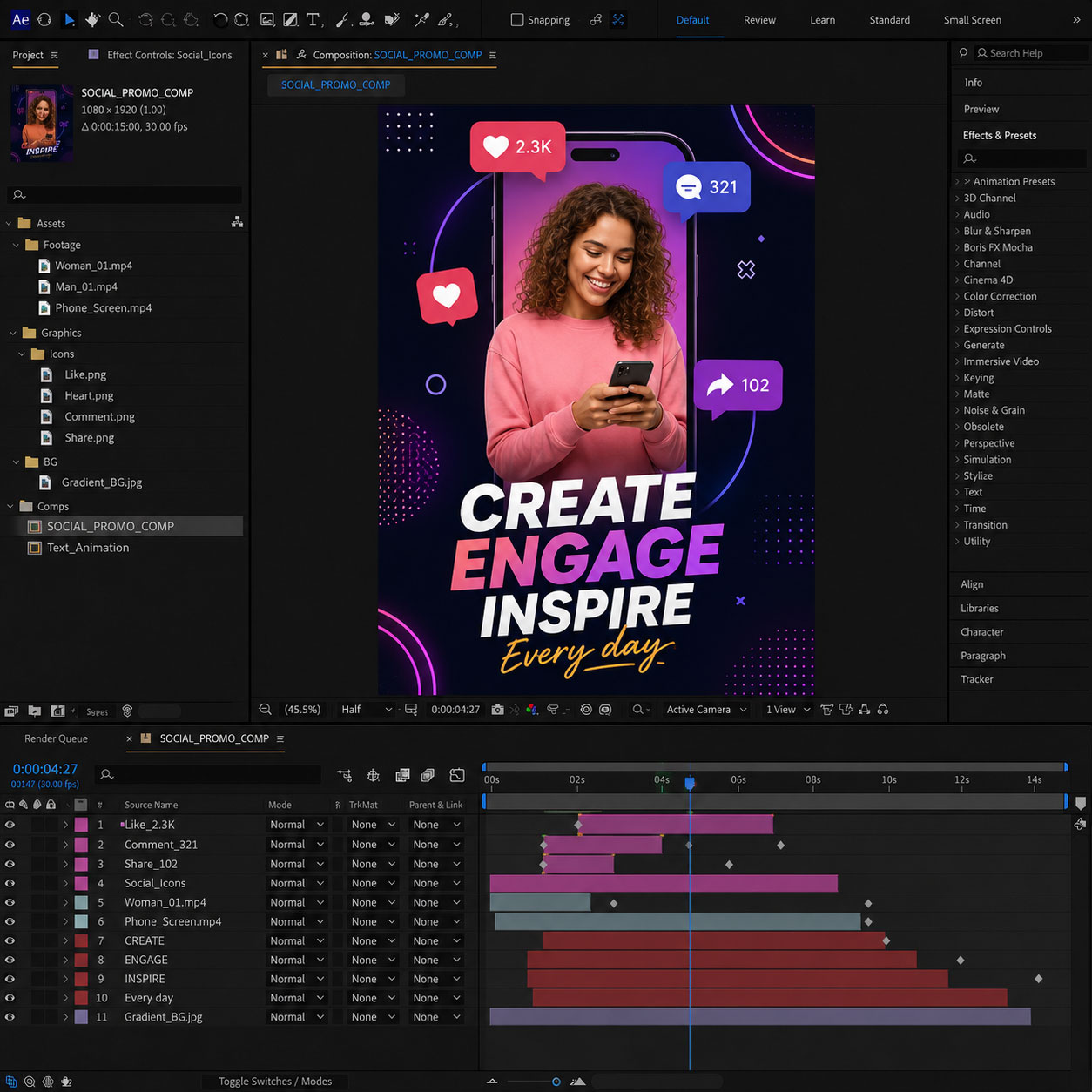
Course Structure
This live online course is organized into focused instructional sessions that combine instructor demonstrations, guided practice, hands-on exercises, critiques, and project-based learning focused on practical motion graphics and animation workflows.
Each module introduces core After Effects skills and includes applied exercises designed to help students build confidence during class. Students who successfully complete the full course and final project earn the Solovant Adobe After Effects Certificate, demonstrating a solid beginner-level foundation in professional motion graphics, animation, compositing, and video-based design workflows.
Topical Outline
Module 1: Introduction to Motion Graphics and After Effects
This module introduces After Effects as a tool for creating animated graphics, titles, visual effects, and video-based design, along with the basic video concepts needed to set up projects correctly.
Topics include:
- Common uses for After Effects in motion graphics, video, social media, and digital design
- The difference between animation, motion graphics, compositing, and visual effects
- How After Effects works with Premiere Pro, Photoshop, Illustrator, and Adobe Media Encoder
Module 2: The After Effects Interface
Students become familiar with the After Effects workspace and learn how to navigate a project efficiently.
Topics include:
- Using the Project, Composition, Timeline, Tools, and Properties panels
- Creating, saving, and organizing projects and workspaces
- Previewing animation and understanding basic timeline navigation
Module 3: Projects, Compositions, and Media
Students learn how to create a new After Effects project, import and organize media, and set up compositions using appropriate technical settings.
Topics include:
- Creating a new project and understanding basic project setup
- Importing and organizing media in the Project panel using folders and clear naming
- Creating compositions with correct frame size, resolution, duration, frame rate, and aspect ratio
Module 4: Layers, Transform Properties, and Basic Animation
Students learn how to work with layers and create basic movement using keyframes.
Topics include:
- Understanding layer order, visibility, timing, and basic layer controls
- Animating position, scale, rotation, opacity, and anchor point
- Creating, adjusting, copying, and moving keyframes in the timeline
Module 5: Using Effects for Animation
This module focuses on using built-in effects in After Effects to create and enhance animation.
Topics include:
- Applying and adjusting effects from the Effects & Presets panel
- Animating effect properties using keyframes
- Combining multiple effects to create stylized motion and visual changes
Module 6: Creating and Animating Text
Students learn how to create animated titles, lower thirds, and simple kinetic type.
Topics include:
- Creating and formatting point text and paragraph text
- Animating text using transform properties, presets, and text animators
- Creating motion typography that supports readability and visual emphasis
Module 7: Masks, Track Mattes, and Transparency
This module introduces techniques for revealing, hiding, and combining visual elements.
Topics include:
- Creating and animating masks using mask modes, feather, opacity, and expansion
- Using track mattes for reveals, transitions, and layered animation
- Understanding alpha, luma, and transparency-based compositing workflows
Module 8: Working with Shape Layers
Students learn how to create and animate graphic elements directly inside After Effects.
Topics include:
- Creating shape layers with fills, strokes, paths, and groups
- Animating shape properties, Trim Paths, and basic repeaters
- Combining shape layers with text, imported artwork, and background elements
Module 9: Working with Audio
Students learn how to use audio, markers, and timing cues to support animation.
Topics include:
- Importing, previewing, and managing audio in an After Effects timeline
- Using audio, markers, and visual timing cues to support animation
- Using simple loop and wiggle expressions inside guided animation exercises
Module 10: Introduction to 3D Motion Graphics
Students receive a beginner-level introduction to working in 3D space inside After Effects.
Topics include:
- Converting 2D layers into 3D layers and understanding X, Y, and Z space
- Creating basic camera moves and working with multiple views
- Adding simple lights and material options to support a 3D composition
Module 11: Parenting, Null Objects, and Precompositions
Students learn how to organize and control more complex animations by connecting layers, using null objects, and grouping animated elements into precompositions.
Topics include:
- Using parenting to connect layers and create parent-child animation relationships
- Creating null object layers to control groups of animated elements
- Using precompositions to organize layered animations and simplify the timeline
Module 12: Exporting Files
This module focuses on preparing and exporting animations for practical use across different platforms and workflows.
Topics include:
- Exporting video using the Render Queue and Adobe Media Encoder
- Choosing appropriate formats, codecs, and settings for social media and video platforms
- Exporting transparent-background video for overlays and compositing
Certificate of Completion
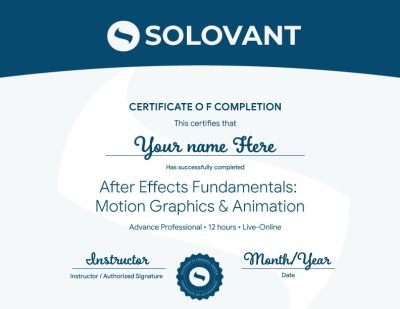
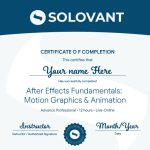
Students who complete the course requirements will receive a SOLOVANT Adobe After Effects Certificate.
The certificate reflects completion of a structured live online course focused on After Effects fundamentals, motion graphics, animation, compositing, visual effects, and AI-assisted creative workflows.
Academic and Professional Teaching Model
SOLOVANT courses are designed for learners who want more than short tutorials or isolated software tips. This course follows a structured academic and professional approach that combines technical demonstration, guided practice, visual analysis, project-based learning, and instructor feedback.
Courses are taught by instructors with graduate-level education, university teaching experience, professional certifications, and experience in design, digital media, technology, and artificial intelligence.
The goal is to help students understand After Effects as a professional motion design and animation tool while developing the technical and conceptual skills needed for contemporary video, digital media, marketing, and creative production.
AI in After Effects Workflows
Artificial intelligence is becoming an important part of modern motion graphics, animation, and video production. In After Effects, AI-supported tools can assist with concept development, visual asset generation, background creation, motion design workflows, and creative exploration.
This course introduces AI as a professional support tool, not as a replacement for creative judgment or technical skill. Students learn how to integrate AI strategically while maintaining control over animation, timing, composition, visual quality, and creative intent.
The course also encourages critical awareness of AI limitations, including inconsistent results, visual artifacts, copyright and originality concerns, and the need for human review and creative decision-making.
Tuition
Regular Tuition: $690
Sale: $590
What Is Included
- Adobe After Effects Certificate
- Live online instruction
- Adobe Certified Instructor
- Grad-level professor
- Free retake
- Class recording
- 25% discount on the next class
- 1:1 mentoring included
Schedule
- Duration: 4 sessions
- Total Instruction: 12 hours
- Format: Live online
Saturday class: September 5, 12 and 19
- Saturday option: 10:00 AM to 2:30 PM
-
Sale!
Ready to Build Professional After Effects Skills?
Enroll in this live online course and develop practical After Effects skills through guided demonstrations, hands-on exercises, instructor feedback, and project-based learning.
This course includes applied After Effects training focused on motion graphics, animation, visual effects, compositing, social media, marketing, and digital media workflows. Students complete a final After Effects project and earn the Solovant Adobe After Effects Certificate upon successful completion.
-
Sale!
Ready to Build Professional After Effects Skills?
Enroll in this live online course and develop practical After Effects skills through guided demonstrations, hands-on exercises, instructor feedback, and project-based learning.
This course includes applied After Effects training focused on motion graphics, animation, visual effects, compositing, social media, marketing, and digital media workflows. Students complete a final After Effects project and earn the Solovant Adobe After Effects Certificate upon successful completion.
Continue Into the Full Certificate Program
Students who complete this course may continue into the full video and motion design certificate program, which expands into Premiere Pro, After Effects Core Skills: Compositing and Visual Effects, and After Effects Fundamentals: Motion Graphics and Animation.
This makes the After Effects course a focused entry point into a broader professional pathway in video editing, motion graphics, animation, compositing, and visual effects.
Earn Your After Effects Certificate

If you have any questions, feel free to contact us
We can schedule a Zoom or Phone Call to answer all your questions
hello@solovant.com