

Adobe Lightroom Classic:
 Professional Photo Editing, Organization & Workflow
Develop professional Adobe Lightroom Classic skills in a focused live online course covering image organization, RAW development, color correction, portrait enhancement, workflow optimization, asset management, export for print and web, and AI-assisted photography tools.
Course Overview
The Adobe Lightroom Classic Certificate is a structured professional course focused on digital photography workflow, image organization, RAW processing, color correction, non-destructive editing, and AI-assisted photo enhancement.
Students learn how to use Adobe Lightroom Classic as a professional photo management and editing tool. The course introduces essential Lightroom techniques, including catalog organization, importing and rating images, collections, metadata, RAW development, tonal correction, color adjustment, masking, portrait refinement, batch editing, synchronization, and export workflows. Students also explore how AI-supported tools can assist with subject selection, background masking, noise reduction, object removal, lens correction, and workflow refinement.
This course is designed for learners who want more than a basic software tutorial. Students develop technical control, visual judgment, and a stronger understanding of how Lightroom Classic supports professional photography, digital asset management, post-production, portfolio development, and creative production.
Who This Course Is For
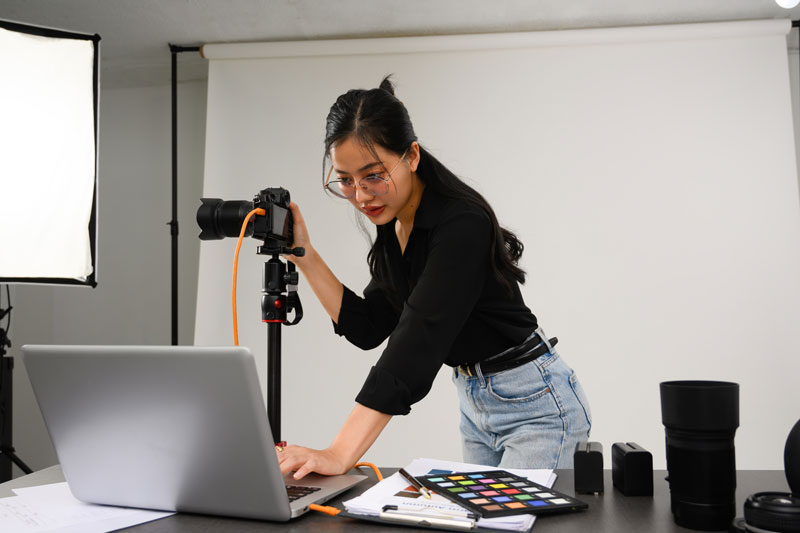
This course is designed for students, photographers, content creators, marketing professionals, entrepreneurs, and creative professionals who want to develop practical Lightroom Classic skills for organizing, editing, correcting, enhancing, and exporting digital photographs.
It is appropriate for beginners who want a structured introduction to Lightroom Classic, as well as photographers who have used the software before but want a more professional, efficient, and organized workflow.
This course is also a strong option for students considering the full Digital Photography and Retouching Certificate Program, but who want to begin with a single, focused course.
No advanced Lightroom Classic experience is required, but students should be prepared for a rigorous, hands-on learning experience.
Learning Outcomes
By the end of this course, students will be able to:
- Navigate the Lightroom Classic workspace and manage catalogs efficiently.
- Import, organize, rate, keyword, and manage digital photographs.
- Edit RAW images using professional tonal and color correction workflows.
- Apply local adjustments, masking, retouching, and portrait enhancement techniques.
- Develop consistent editing styles and process multiple images efficiently.
- Export photographs for print, web, social media, and portfolio presentation.
- Produce a complete Lightroom Classic photography portfolio project.

What You Will Create
Students will complete practical Lightroom Classic exercises and a final photography workflow project. Depending on the project direction, this may include:
- A structured Lightroom Classic catalog with organized folders, collections, ratings, keywords, and metadata.
- A RAW image development and tonal correction exercise.
- A color correction and white balance project.
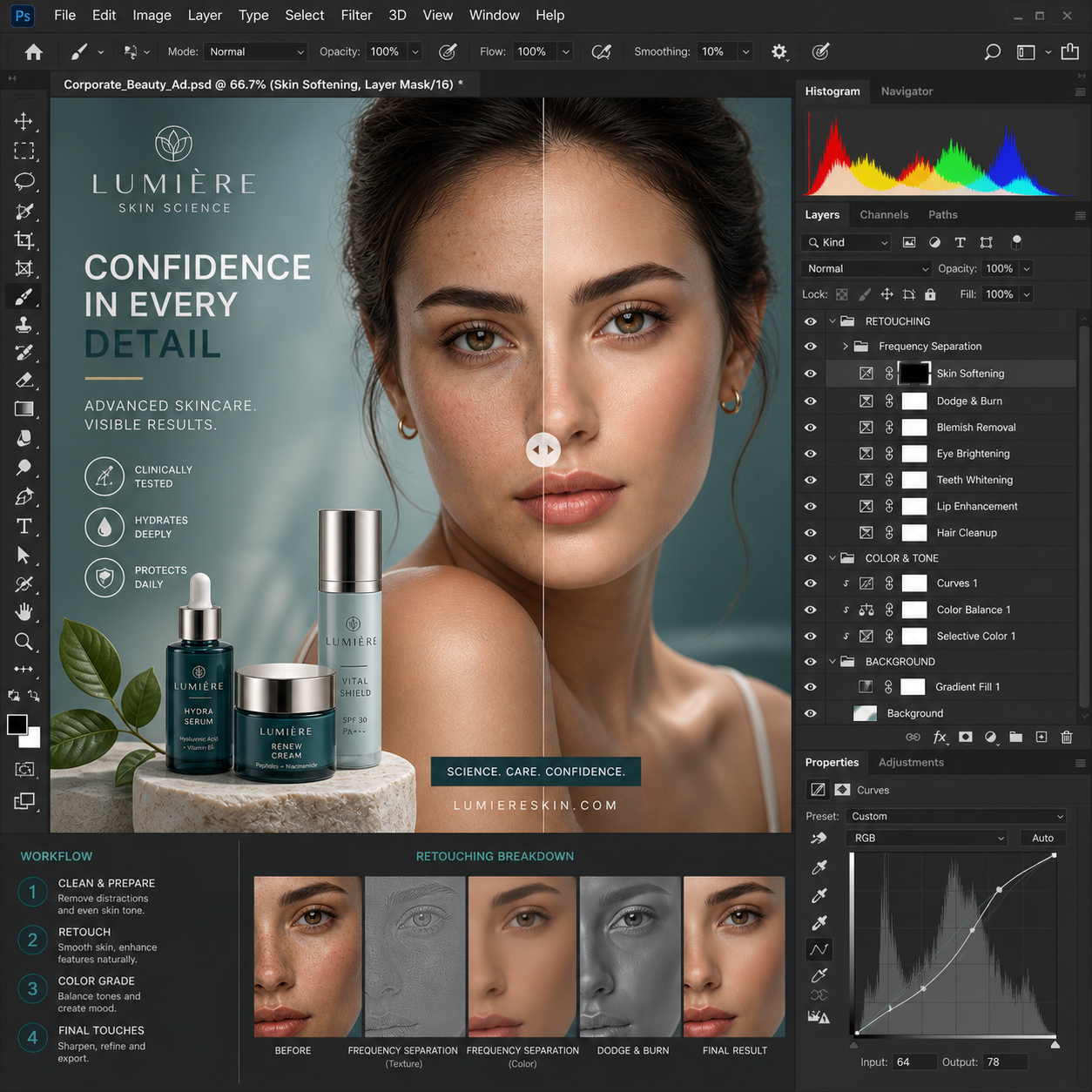
- A portrait enhancement and masking exercise.
- A synchronized batch-editing workflow for a complete photo series.
- An AI-assisted noise reduction, masking, object removal, or image refinement workflow.
- A final edited photography series suitable for portfolio presentation, print, web, or continued development.
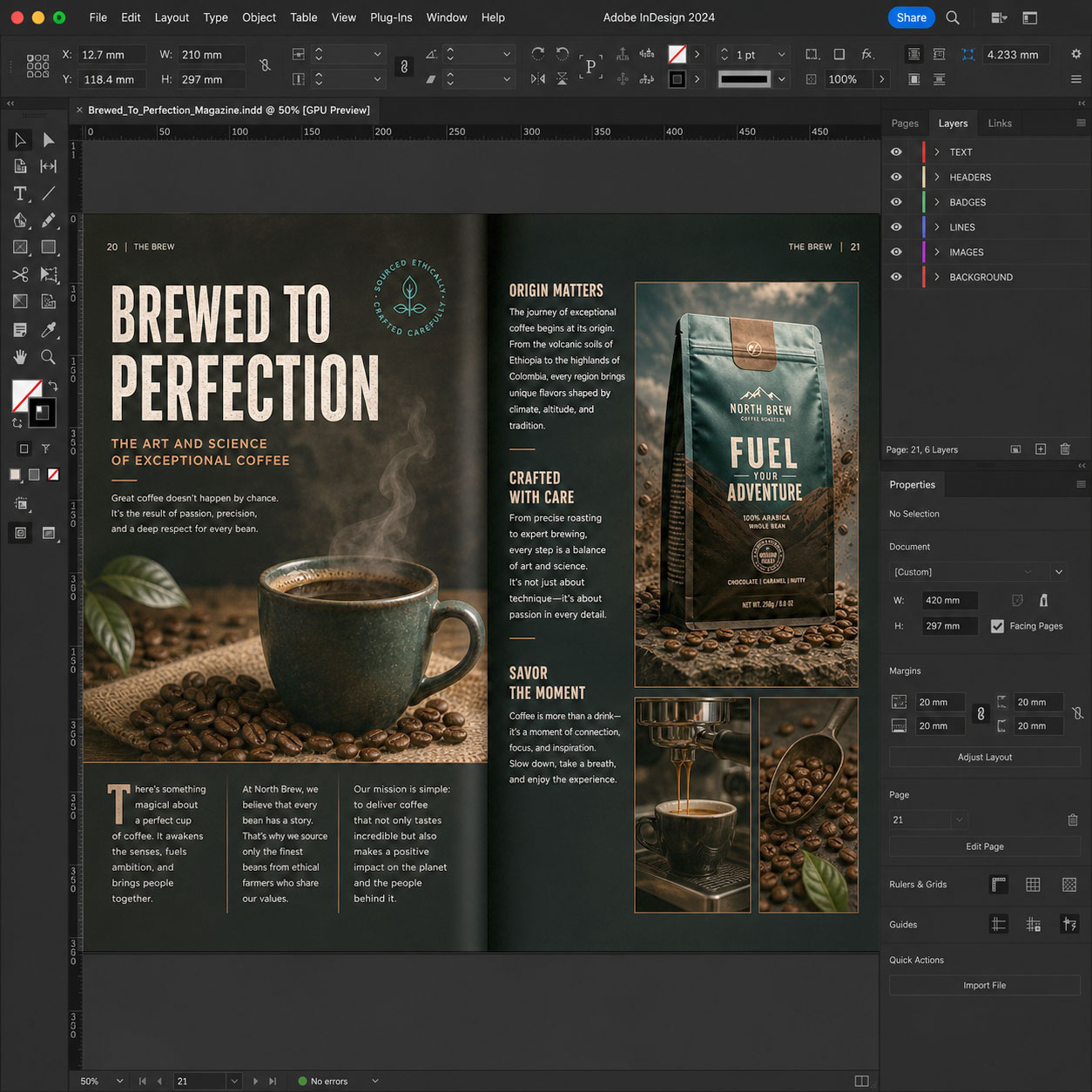
Examples of Classwork

Course Structure
This course includes 12 hours of live online instruction delivered either as four 3-hour sessions or two 6-hour Saturday sessions. Classes combine instructor demonstrations, guided practice, hands-on editing exercises, critiques, and project-based learning focused on professional Lightroom Classic workflows.
Each module introduces a core photography workflow skill and includes applied exercises designed to help students organize, edit, refine, and export photographs with greater confidence and consistency. Students work with RAW image files, catalogs, collections, adjustment tools, masking, batch editing, and output settings throughout the course.
Students who successfully complete the full course and final project earn the Solovant Adobe Lightroom Classic Certificate, demonstrating a solid foundation in professional digital photography organization, editing, and post-production workflows.
Session 1: Lightroom Classic Essentials
(3 Hours)
The first session introduces students to the Adobe Lightroom Classic workspace and the core tools used in a professional photography workflow. Students learn how to create and manage a catalog, import photographs, organize images, review a photoshoot, and make essential non-destructive corrections while building confidence with the interface.
Topics Covered
Lightroom Classic interface and workspace
Catalogs, folders, and file organization
Importing photographs and managing source files
Library and Develop modules
Ratings, flags, color labels, keywords, and metadata
Collections and Smart Collections
RAW files, file formats, and non-destructive editing
White balance, exposure, contrast, highlights, and shadows
Cropping, straightening, and lens corrections
Basic color adjustment and image enhancement
Exporting photographs for web, social media, and print
Module Project
Students will import and organize a small photoshoot, select the strongest images using ratings and flags, apply basic tonal and color corrections, and export a polished group of photographs for web or portfolio presentation.
Session 2: Advanced Photo Editing & Portrait Enhancement
(3 Hours)
The second session focuses on professional image development using the Lightroom Classic Develop module. Students learn how to refine photographs through advanced tonal and color adjustments, local masking tools, portrait enhancement techniques, and AI-assisted editing features while maintaining a fast, non-destructive workflow.
Topics Covered
Advanced RAW development techniques
Tone Curve and Color Mixer (HSL)
Color Grading and Calibration
AI-powered masking tools (Subject, Sky, Background, Objects)
Brushes, gradients, and local adjustments
Portrait retouching and skin refinement
Noise reduction and image sharpening
Lens corrections and perspective adjustments
Healing, object removal, and distraction cleanup
Creating and applying presets
Synchronizing edits across multiple images
Module Project
Students will professionally edit a portrait photography session by applying advanced tonal and color corrections, AI masking, portrait enhancements, local adjustments, and synchronized edits to produce a consistent collection of portfolio-quality photographs.
Session 3: Advanced Workflow, Batch Editing & Portfolio Development
(3 Hours)
Students learn how to manage and edit complete photography projects using advanced Lightroom Classic workflows. The session focuses on maintaining visual consistency across a photo series, working efficiently with large image collections, preparing files for different outputs, and developing a polished final presentation.
Topics Covered
Advanced catalog and collection management
Organizing complete photography projects
Comparing, selecting, and sequencing images
Copying and synchronizing adjustments
Batch editing and Auto Sync
Creating and managing custom presets
Consistent color and tonal styling across a series
Advanced masking and local refinements
AI-assisted noise reduction and image enhancement
Soft proofing and color management
Preparing images for web, social media, and print
File naming, metadata, watermarks, and export presets
Creating contact sheets, slideshows, and portfolio presentations
Integrating Lightroom Classic with Photoshop
Module Project
Students will edit and prepare a cohesive photography series using advanced organization, batch editing, synchronized adjustments, masking, presets, and export workflows. The final project emphasizes visual consistency, image sequencing, technical quality, and professional presentation for portfolio, web, social media, or print use.
Session 4: Professional Workflow & Final Portfolio Project
(3 Hours)
The final session integrates the complete Lightroom Classic workflow into a professional editing process. Students refine their photographs, apply consistent adjustments across an entire collection, prepare images for multiple delivery formats, and present a polished portfolio project that reflects industry-standard photography practices.
Topics Covered
Professional photography workflow from import to final delivery
Reviewing and refining a complete photo collection
Advanced color consistency and image refinement
Final portrait and landscape adjustments
Quality control and image evaluation
Metadata, copyright, and file management best practices
Export settings for print, web, social media, and client delivery
Portfolio preparation and image presentation
Creating export presets and delivery workflows
Lightroom Classic workflow optimization and best practices
Integrating Lightroom Classic with Adobe Photoshop for advanced retouching
Final project presentation and instructor critique
Module Project
Students will complete a professionally edited photography portfolio consisting of a cohesive series of images processed entirely in Lightroom Classic. The project emphasizes efficient workflow, consistent editing, technical quality, color accuracy, and professional presentation suitable for client delivery, portfolio development, or continued study in the Digital Photography and Retouching Certificate Program.
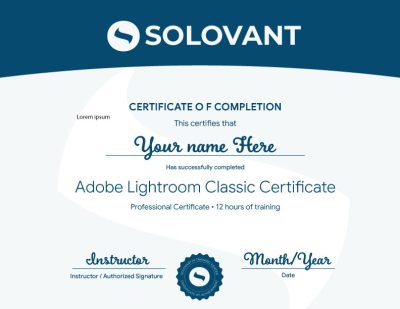
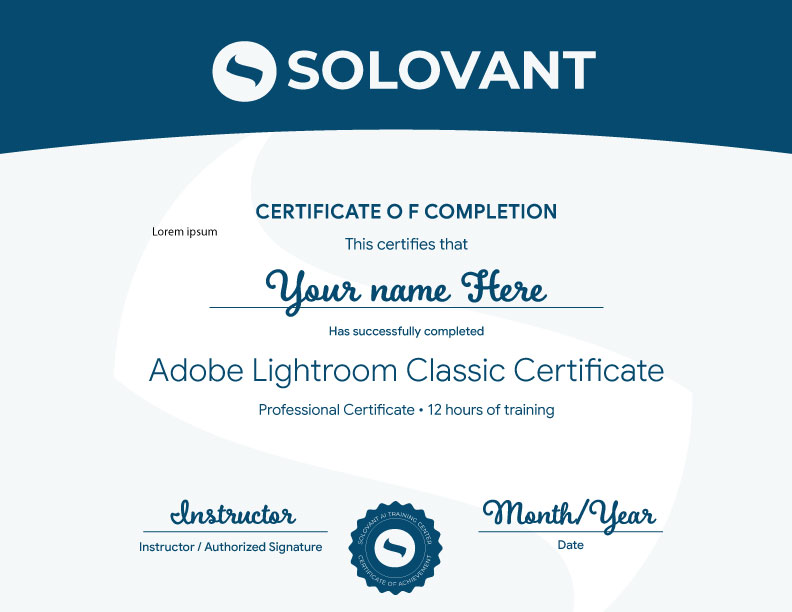
Certificate of Completion
Students who complete the course requirements will receive a SOLOVANT Adobe Lightroom Classic Certificate.
The certificate reflects completion of a structured live online course focused on Lightroom Classic fundamentals, catalog organization, RAW photo editing, color correction, masking, portrait enhancement, batch processing, export workflows, and AI-assisted photography tools.
Academic and Professional Teaching Model
SOLOVANT courses are designed for learners who want more than short tutorials or isolated software tips. This course follows a structured academic and professional approach that combines technical demonstrations, guided practice, image analysis, project-based learning, and instructor feedback.
Courses are taught by instructors with graduate-level education, university teaching experience, professional certifications, and extensive experience in photography, digital media, creative technology, and artificial intelligence.
The goal is to help students understand Adobe Lightroom Classic as a professional digital photography workflow tool while developing the technical and visual skills needed to organize, edit, enhance, and deliver high-quality photographic work for contemporary creative and commercial applications.
AI in Lightroom Workflows
Artificial intelligence is now part of modern photography and post-production workflows. In Lightroom Classic, AI-supported tools can assist with subject, sky, background, and object masking, noise reduction, image cleanup, portrait refinement, tonal correction, and workflow acceleration.
This course introduces AI as a professional support tool, not as a replacement for photographic judgment or technical skill. Students learn how to use AI strategically while maintaining control over exposure, color, detail, consistency, image quality, and creative intent.
The course also encourages critical awareness of AI limitations, including inaccurate selections, unnatural corrections, inconsistent results, overprocessing, and the need for careful human review.
Tuition:
Normal $690
Summer Sale $590
What is included:
- Lightroom Classic Certificate
- 12 hours in 4 sessions
- Adobe Certified Instructor
- Grad-level professor
- Free Retake
- Class recorded
- 25% discount in next class
- 101 mentoring included
Schedule
- Duration: 4 sessions
- Total Instruction: 12 hours
- Format: Live online
Saturday class: October 17 and 24th
- Two Saturdays option: 10:00 AM to 4:30 PM
Weeknights class: October 19, 21, 26 and 28th
- Four Nights Option: 6:00 pm to 9:00 PM
-
Sale!
Ready to Build Professional Photoshop Skills?
Enroll in this live online course and develop practical Lightroom Classic skills through guided demonstrations, hands-on editing exercises, instructor feedback, and project-based learning.
This 12-hour course covers professional photo organization, RAW processing, color correction, masking, portrait enhancement, batch editing, and export workflows. Students complete a final photography project and earn the SOLOVANT Adobe Lightroom Classic Certificate.
-
Sale!
Ready to Build Professional Photoshop Skills?
Enroll in this live online course and develop practical Lightroom Classic skills through guided demonstrations, hands-on editing exercises, instructor feedback, and project-based learning.
This 12-hour course covers professional photo organization, RAW processing, color correction, masking, portrait enhancement, batch editing, and export workflows. Students complete a final photography project and earn the SOLOVANT Adobe Lightroom Classic Certificate.
Continue Into the Full Certificate Program
Students who complete this course may continue into the full Digital Photography and Retouching Certificate Program, which expands into Adobe Photoshop, professional retouching, photo manipulation, studio photography, portrait photography, lighting techniques, and portfolio development.
This makes the Lightroom Classic course a focused entry point into a broader professional pathway in digital photography, image editing, retouching, and post-production.
Earn Your Ligthroom Certificate

If you have any questions, feel free to contact us
We can schedule a Zoom or Phone Call to answer all your questions
hello@solovant.com