
Courses & Certificate Programs
Live online classes led by an instructor


AI for Work Course:
Foundations for Professional Productivity
AI course for beginners focused on real-world • 3 Weeks • 18 hours of training + 2 One-on-one mentoring sessions
What You Will Learn:
- Apply AI to writing, planning, research, and daily work and personal tasks
- Create clear prompts and evaluate the quality and usefulness of AI responses
- Explain basic AI concepts and limitations in practical terms
- Use AI responsibly in individual and team-based environments

Building Custom AI Agents Course
Advance Professional • 4 Weeks • 24 hours • Live-Online
What You Will Learn:
- Design custom AI agents aligned with specific organizational needs and workflows
- Integrate AI assistants with workplace tools such as Gmail, Notion, Slack, and Teams
- Automate repetitive tasks, reporting, and communication using no-code tools
- Apply best practices related to security, privacy, and responsible AI use


Graphic Design & AI Certificate Program
Professional Certificate • 10 Weeks • 60 hours of training
What You Will Learn:
- Apply core design principles to create clear and effective visual compositions
- Develop digital design projects using industry-standard tools and workflows
- Analyze and evaluate visual work using professional design language
- Create solutions across multiple formats, including raster, vector, and layout systems
- Integrate AI tools into the creative process with critical and ethical awareness
- Present and communicate design work in a structured, professional format


Retouching and Photo Manipulation With Adobe Photoshop, Including AI
Introductory Professional • 2 Weeks • 12 hours • Live-Online
What You Will Learn:
- Students will learn how to manipulate, enhance, and construct images using Adobe Photoshop as part of a structured design process. The course emphasizes technical control, visual consistency, and intentional decision-making.
- Students will work with Photoshop’s core tools and workflows, including layers, masks, selections, adjustment layers, retouching tools, blending methods, image resolution, file formats, and export settings. The course also introduces AI-assisted image workflows and examines how artificial intelligence can support ideation, editing, cleanup, image extension, and creative refinement.
- The goal is not only to learn Photoshop tools, but to understand how to use them with purpose, accuracy, and visual judgment.

Illustrator Vector Graphics and Logo Design, Including AI
Introductory Professional • 2 Weeks • 12 hours • Live-Online
What You Will Learn:
- Students will learn how to construct scalable visual elements using Adobe Illustrator as part of a structured design process. The course emphasizes precision, clarity, consistency, and intentional design decision-making.
- Students will work with Illustrator’s core tools and workflows, including artboards, shapes, paths, anchor points, the Pen Tool, Shape Builder, Pathfinder, color systems, swatches, gradients, typography, alignment, grouping, layers, and export settings.
- The course also introduces AI-assisted design workflows and examines how artificial intelligence can support brainstorming, visual exploration, concept variation, and refinement while keeping the designer in control of the final visual direction.
- The goal is not only to learn Illustrator tools, but to understand how to use them with purpose, structure, and professional judgment.
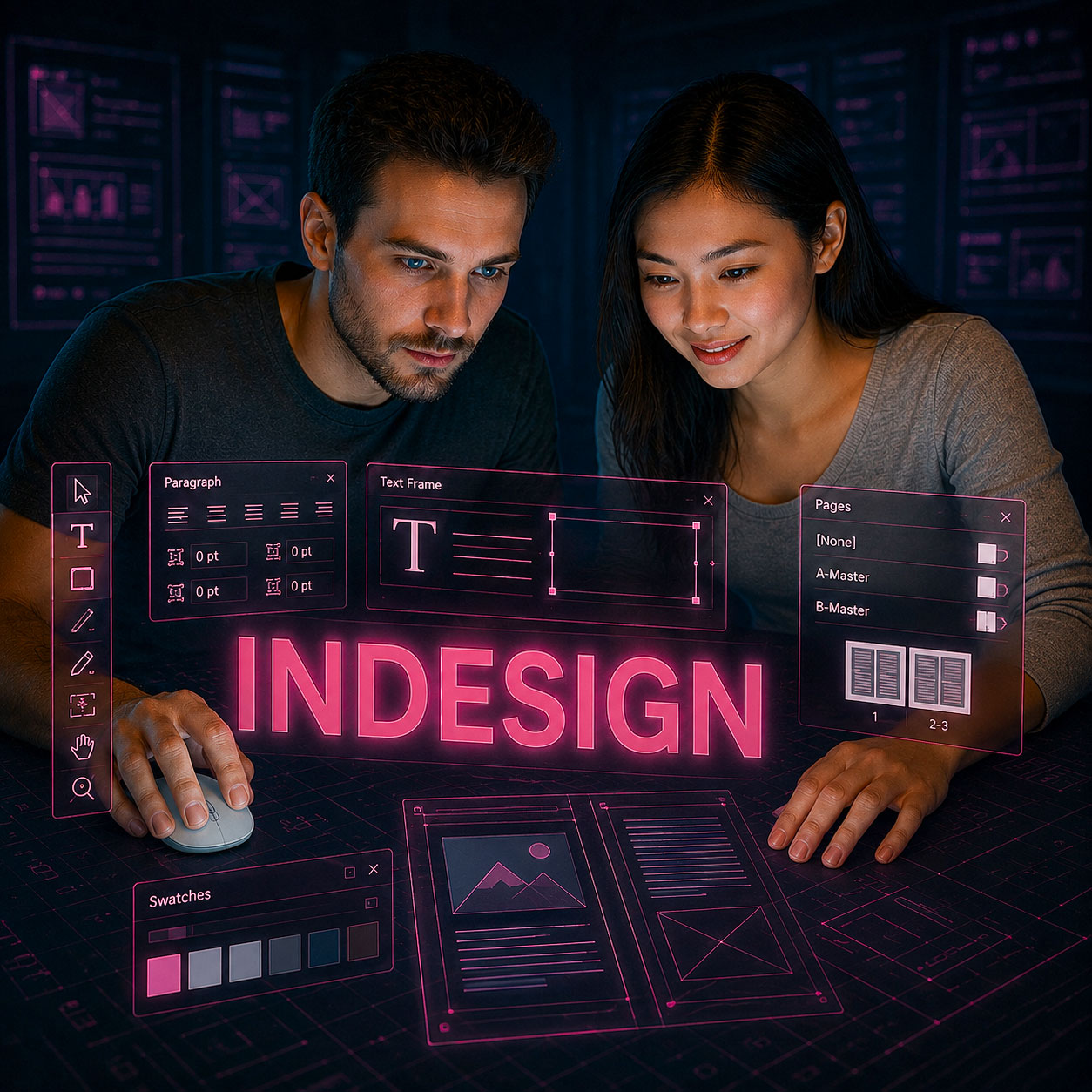
Adobe InDesign Layouts and Digital Publishing, Including AI
Introductory Professional • 2 Weeks • 12 hours • Live-Online
What You Will Learn:
- Students will learn how to organize text, images, and visual assets into structured layout systems using Adobe InDesign. The course emphasizes clarity, consistency, readability, hierarchy, and intentional design decision-making.
- Students will work with InDesign’s core tools and workflows, including document setup, page structure, margins, columns, bleeds, grids, text frames, image frames, linked assets, paragraph styles, character styles, parent pages, typography, alignment, spacing, and export settings.
- The course also introduces AI-assisted publishing workflows and examines how artificial intelligence can support content planning, layout exploration, text refinement, project organization, and design iteration while keeping the designer in control of the final publication.
- The goal is not only to learn InDesign tools, but to understand how to use them with purpose, structure, and professional judgment.

Advanced AI for Graphic Design Course
Advance Professional • 2 Weeks • 12 hours • Live-Online
What You Will Learn:
- Students will learn how to use AI tools as part of a structured graphic design workflow. The course examines how AI can support ideation, concept generation, moodboards, image development, brand exploration, layout direction, visual experimentation, and project refinement.
- Students will work with AI-supported tools and workflows connected to professional design practice, including Adobe Firefly, Photoshop Generative Fill, Illustrator and InDesign-related workflows, Midjourney, Leonardo AI, Canva Magic Studio, and related generative platforms as appropriate.
- The course emphasizes prompt development, visual direction, quality control, ethical use, copyright awareness, brand consistency, and the integration of AI-generated assets into polished design outcomes.
- The goal is not only to generate visuals with AI, but to use AI with purpose, structure, and professional judgment.

After Effects Fundamentals: Motion Graphics & Animation Course
Introductory Professional • Live Online
What You Will Learn
Students will learn how to create, organize, animate, and export motion graphics projects using Adobe After Effects. The course emphasizes practical animation skills, clear creative decisions, and professional workflow habits.
Students will work with essential After Effects tools for compositions, layers, keyframes, text animation, shape layers, masks, effects, basic 3D tools, precompositions, and exporting. The course also introduces AI-supported workflows for creative exploration, motion asset generation, visual experimentation, and workflow refinement.
The goal is not only to learn the software, but to understand how to use After Effects with purpose, timing, visual quality, and human creative judgment.


After Effects Fundamentals: Motion Graphics & Animation Course
Introductory Professional • Live Online
What You Will Learn:
Students will learn how to create, organize, animate, and export motion graphics projects using Adobe After Effects. The course emphasizes practical animation skills, clear creative decisions, and professional workflow habits.
Students will work with essential After Effects tools for compositions, layers, keyframes, text animation, shape layers, masks, effects, basic 3D tools, precompositions, and exporting. The course also introduces AI-supported workflows for creative exploration, motion asset generation, visual experimentation, and workflow refinement.
The goal is not only to learn After Effects tools, but to understand how to use motion graphics with purpose, timing, visual quality, and human
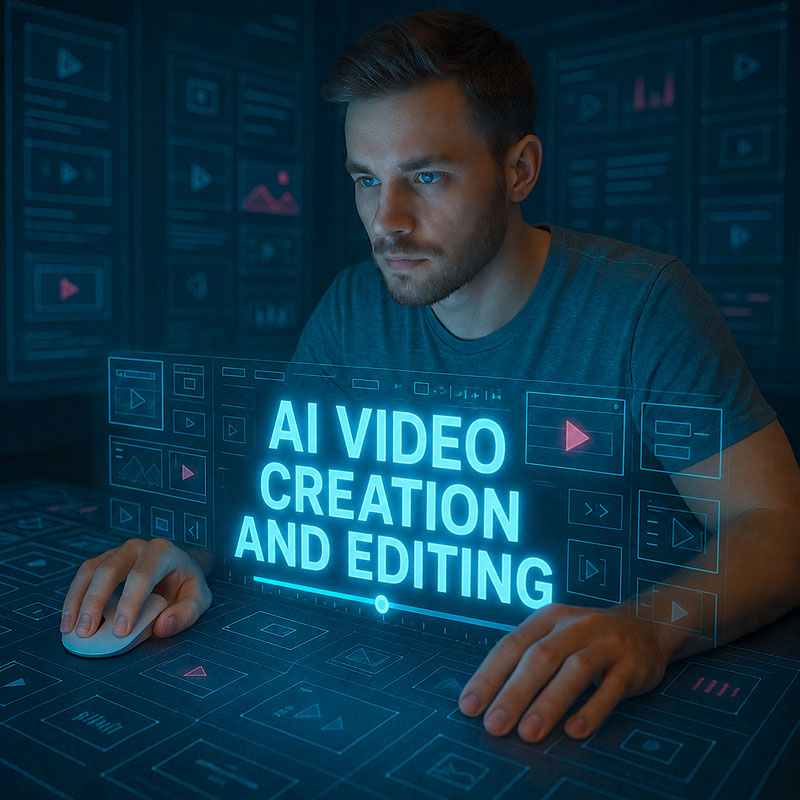

AI Video Creation and Editing With DaVinci Resolve Course
Introductory Professional • 3 Weeks • 18 hours • Live-Online
What You Will Learn:
- Students will learn how to plan, generate, organize, edit, and export short-form video content using AI tools and DaVinci Resolve. The course emphasizes practical production skills, clear creative decisions, and professional workflow habits.
- Students will work with AI-supported workflows for scriptwriting, image generation, avatar video, generative scenes, simple motion visuals, voice, captions, and video editing. The course also introduces a bonus CapCut workflow for adapting projects to social media formats.
- The goal is not only to test AI video tools, but to understand how to use them with purpose, quality control, visual consistency, and human creative judgment.


Advanced AI for Video and Motion Graphics
Course
Introductory Professional • 3 Weeks • 18 hours • Live-Online
What You Will Learn:
- Students will learn how to use AI tools to support advanced video production, motion graphics, and post-production workflows. The course focuses on practical integration, creative direction, production efficiency, and professional quality control.
- Students will explore AI-assisted planning, visual development, style frames, generative B-roll, motion graphics assets, synthetic presenters, captions, transcription, localization, cleanup, and workflow acceleration. Premiere Pro is used as the primary professional editing environment.
- The goal is to help experienced video creators understand where AI adds value, where it creates risk, and how to use generative tools strategically without replacing professional editing judgment.

Figma UI Design and Prototyping Bootcamp
Course
Introductory Professional • 3 Weeks • 18 hours • Live-Online
What You Will Learn:
- Students will learn how to use Figma to design, organize, prototype, test, and share polished website and app interfaces. The course focuses on practical UI design workflows, visual clarity, reusable design elements, responsive layout thinking, and professional prototype presentation.
- Students will explore Figma project setup, frames, pages, layers, typography, images, color, buttons, navigation, multi-screen layouts, clickable prototypes, components, variants, Auto Layout, interactive components, overlays, menus, advanced prototype flows, design system foundations, variables, collections, and semantic naming.
- The goal is to help students understand how Figma is used in modern UI design and prototyping workflows. Students move from basic interface layouts to more professional prototypes while developing visual judgment, usability awareness, file organization habits, and practical design presentation skills.
AI Strategy Mentoring & Consulting
Personalized guidance for AI, creative technology, and professional workflows.
Get one-on-one support with AI tools, Adobe software, digital design, automation, course design, or productivity workflows. This service is ideal for professionals, educators, creatives, and small businesses that need practical guidance, strategy, or project-based support.