
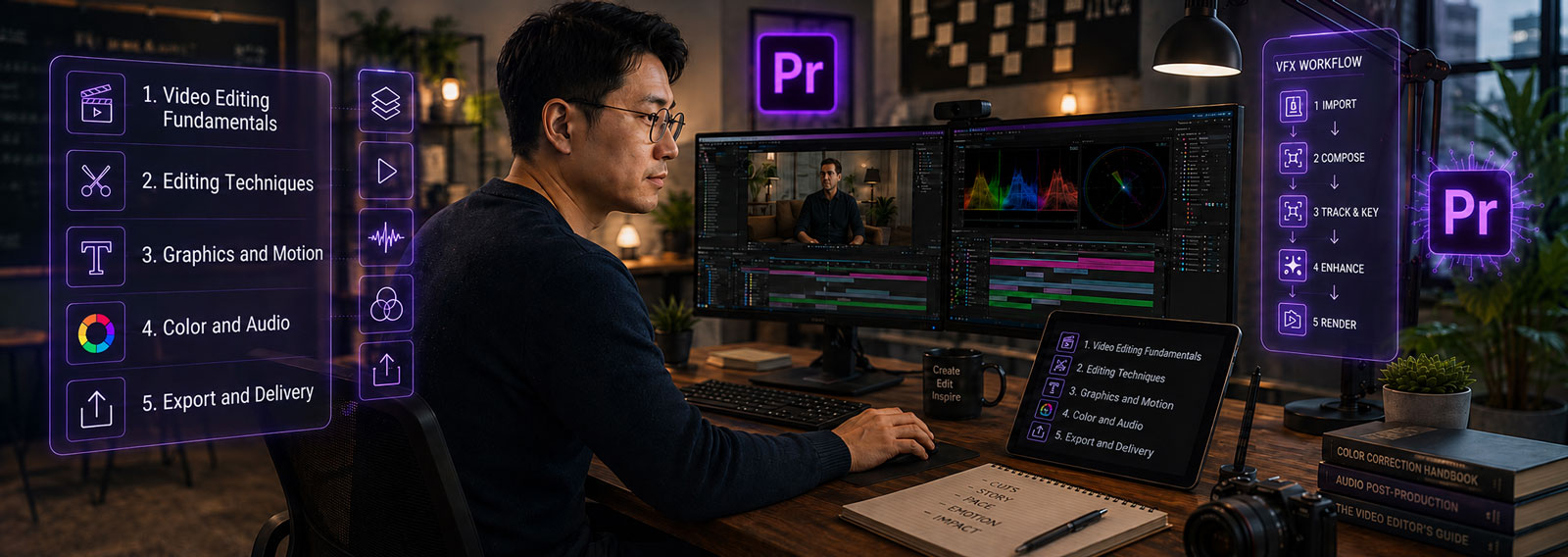
Adobe Premiere:

Intro to editing
Learn professional video editing in a focused live online course covering media organization, timeline editing, audio, color correction, titles and graphics, exporting, and AI-assisted editing workflows using Adobe Premiere Pro.
Course Overview
Adobe Premiere: Intro to Editing is a structured professional course focused on the essential skills and workflows used in modern video editing.
Students learn how to use Adobe Premiere Pro as a professional non-linear editing application to organize media, build timelines, edit video, improve audio, create titles and graphics, apply color correction, and export content for web, social media, presentations, and professional delivery. The course also introduces modern AI-assisted features, including transcription, Text-Based Editing, captions, media search, and workflow enhancements that improve editing efficiency while supporting editorial decision making.
This course is designed for learners who want more than a basic software tutorial. Students develop practical editing skills, understand professional post-production workflows, and gain the confidence to create polished videos for marketing, education, business, social media, and digital content creation.

Who Should Attend
This course is intended for:
- New video editors who want to learn Premiere from the ground up
- Designers, marketers, educators, and content creators who need to edit video for professional or instructional use
- Social media creators who want a stronger editing foundation
- Photographers, motion graphics artists, and multimedia professionals adding video editing to their skill set
- Users moving from Final Cut Pro, DaVinci Resolve, iMovie, CapCut, or Avid who want to understand the Premiere workflow
- Beginners who want to understand professional editing concepts such as sequences, codecs, timeline editing, trimming, audio mixing, captions, and exporting
Learning Outcomes
By the end of this course, students will be able to:
- Navigate the Adobe Premiere Pro interface and customize an efficient editing workspace.
- Import, organize, and manage video, audio, images, and graphics for professional editing projects.
- Create and edit video sequences using industry-standard timeline editing techniques.
- Refine edits using trimming tools, transitions, effects, titles, captions, and basic motion graphics.
- Improve video quality with basic color correction and audio cleanup tools.
- Use AI-assisted features such as Text-Based Editing, transcription, captions, and intelligent media search to streamline editing workflows.
- Export high-quality videos optimized for web, social media, presentations, and professional delivery.

What You Will Create
Students will complete practical Adobe Premiere Pro editing exercises. Depending on the project direction, these may include:
- A short interview edit.
- A social media video advertisement.
- A sequence combining A-roll, B-roll, and cutaways.
- A video with titles, lower thirds, and captions.
- A basic color-corrected video.
- An audio cleanup and mixing exercise.
- A vertical, square, or widescreen video for digital delivery.
- A polished short video suitable for professional presentation, social media, or continued development.
Examples of Classwork
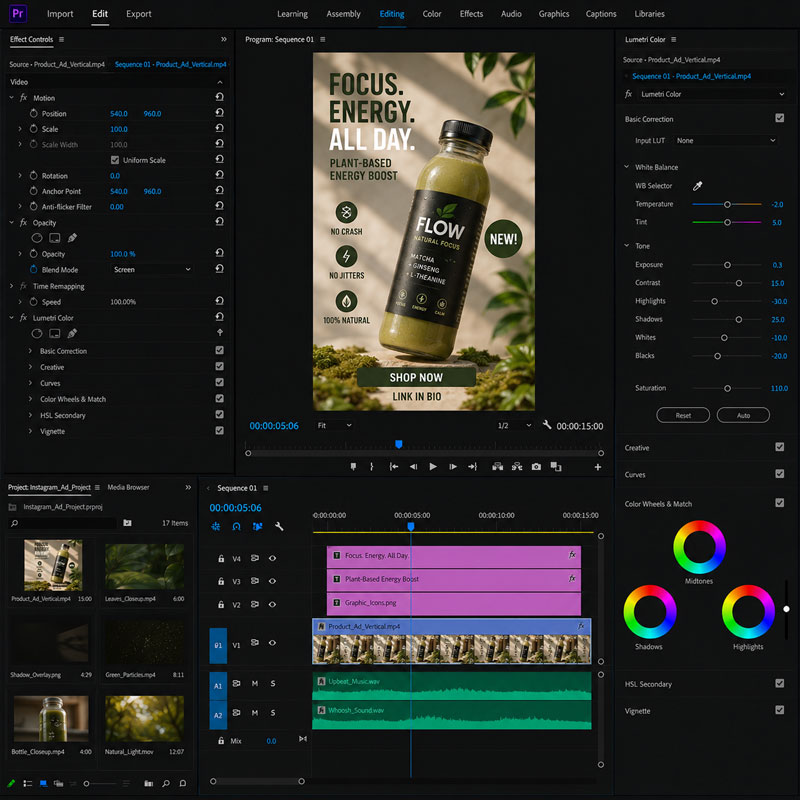
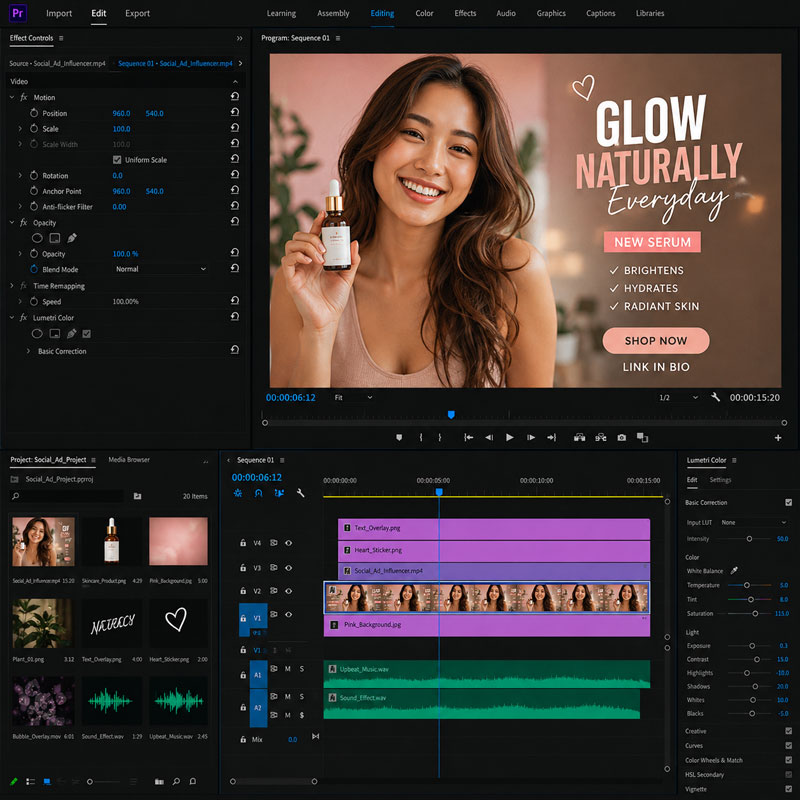
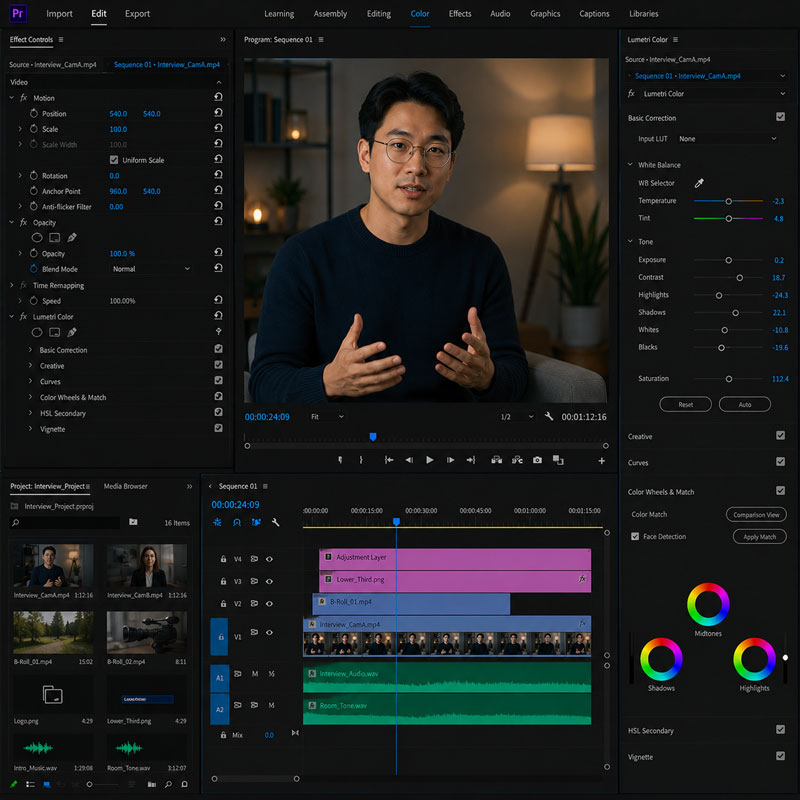
Course Structure
This live online course is organized into focused instructional sessions that combine instructor demonstrations, guided practice, hands-on editing exercises, feedback, and project-based learning centered on practical video editing workflows.
Each module introduces essential Adobe Premiere Pro skills and includes applied exercises that help students build confidence during class. Students who successfully complete the full course earn the Solovant Adobe Premiere Pro Certificate, demonstrating a solid beginner-level foundation in professional video editing, media organization, timeline editing, audio, color correction, titles, captions, and digital delivery.
Topical Outline
Module 1: Digital Video Fundamentals
- Video Basics
- Resolution, frame rate, aspect ratio, and pixel aspect ratio
- Codecs and containers: H.264, H.265/HEVC, ProRes, DNxHD/DNxHR, MP4, & MOV
- Understanding timecode
- Overview of Premiere integration with After Effects, Photoshop, Illustrator, Media Encoder, Frame.io, and Adobe Firefly workflows
- The Editor as Storyteller
Module 2: The Premiere Interface and Project Setup
- Creating a new project
- Importing footage
- Understanding the Workspace: Project panel, Source Monitor, Program Monitor, Timeline, Text panel, Effects panel, Properties panel, and Export workspace
- Creating bins and organizing media
- Locating missing media and relinking files
- Using search and AI-powered media intelligence to help locate footage in larger projects
Module 3: Working with the Timeline
- Creating sequences from clips & adding clips to the timeline
- Understanding tracks, playhead, time ruler, snapping, and linked selection
- A-roll, B-roll, cutaways, and cut-ins
- Insert edits vs. overwrite edits
- Selecting, moving, trimming, and deleting clips
Module 4: Refining the Edit
- Using the Razor tool and Selection tool
- Ripple and rolling edits
- Slip edits and slide edits
- Trimming in the timeline
- Adjusting clip speed and duration
Module 5: Text-Based Editing, Transcripts, and Captions
- Understanding speech-to-text transcription
- Creating and editing transcripts
- Using Text-Based Editing to build or refine an edit
- Understanding the difference between transcripts and captions
Module 6: Titles, Graphics, and Imported Design Assets
- Creating lower thirds, title cards, and end credits
- Creating text and shape layers
- Formatting type: font, size, tracking, leading, alignment, color, and background
- Creating and using Motion Graphics Templates
- Importing Photoshop and Illustrator files
- Importing layered Photoshop files
- Transform Properties
- Animating position, scale, rotation, and opacity
Module 7: Transitions, Motion, and Video Effects
- Understanding the purpose of transitions
- Applying and adjusting video transitions
- Applying video effects
- Animating effect properties with keyframes
- Static Effects: position, scale, rotation, anchor point, and opacity
- Stabilizing shaky footage with Warp Stabilizer
Module 8: Basic Color Correction and Visual Consistency
- Understanding color correction vs. color grading
- Using Lumetri Color
- Correcting exposure, contrast, white balance, highlights, and shadows
- Export considerations for color consistency
Module 9: Working with Audio
- Understanding clip audio and track audio
- Mono, stereo, and multichannel audio basics
- Setting audio keyframes
- Using the Essential Sound panel
- Cleaning up noisy dialogue | Reducing noise and improving clarity
- Balancing dialogue, music, ambience, and sound effects
- Adding fades and audio transitions
- Understanding audio gain, normalization, and basic mix levels
Module 10: Exporting and Sharing Finished Video
- Exporting for web, social media, desktop playback
- Choosing format, codec, resolution, frame rate, and bitrate
- H.264, H.265/HEVC, ProRes, and common delivery presets
- Exporting vertical, square, and widescreen versions
- Exporting directly from Premiere vs Sending exports to Adobe Media Encoder
- Archiving projects and collecting media for future revisions
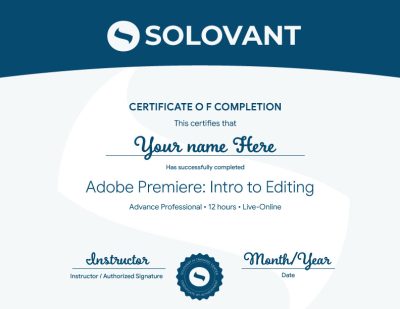
Certificate of Completion
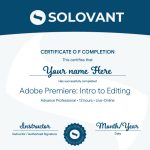
Students who complete the course requirements will receive a SOLOVANT Adobe Premiere Certificate.
The certificate reflects completion of a structured live online course focused on Adobe Premiere fundamentals, media organization, timeline editing, trimming, titles, captions, audio editing, color correction, video effects, exporting, and AI-assisted editing workflows.
Academic and Professional Teaching Model
SOLOVANT courses are designed for learners who want more than short tutorials or isolated software tips. This course follows a structured academic and professional approach that combines technical demonstrations, guided practice, visual analysis, hands-on editing exercises, project-based learning, and instructor feedback.
Courses are taught by instructors with graduate-level education, university teaching experience, professional certifications, and experience in video production, digital media, design, technology, and artificial intelligence.
The goal is to help students understand Adobe Premiere Pro as a professional video editing tool while developing the technical, creative, and editorial skills needed for contemporary video production, social media, education, marketing, business communication, and digital content creation.
AI in Premiere Pro Workflows
Artificial intelligence is becoming an important part of modern video editing and post-production. In Adobe Premiere Pro, AI-supported tools can assist with transcription, Text-Based Editing, caption creation, media search, dialogue cleanup, reframing, and other workflow improvements.
This course introduces AI as a professional support tool, not as a replacement for editorial judgment or technical skill. Students learn how to use AI strategically while maintaining control over story, pacing, timing, sound, color, visual quality, and creative intent.
The course also encourages critical awareness of AI limitations, including inaccurate transcripts, inconsistent edits, visual or audio artifacts, copyright and originality concerns, and the need for human review and editorial decision-making.
Tuition
Normal: $790
Summer Sale: $690
What is included:
- Adobe Premiere Certificate
- Live online instruction
- Adobe Certified Instructor
- Grad-level professor
- Free retake
- Class recording
- 25% discount on the next class
- 1:1 mentoring included
Format & Duration
- Total Duration: 12 hours
- This course may be delivered in either of the following formats:2 full-day sessions: 6 hours per day
6 evening sessions: 2 hours per evening - The course is designed as a short, intensive software training experience. Students will complete a series of guided practice projects during class rather than a single final capstone project.
-
Sale!
Ready to Build Professional Video Editing Skills?
Enroll in this live online course and develop practical Adobe Premiere Pro skills through guided demonstrations, hands-on editing exercises, instructor feedback, and applied learning.
This course includes structured training in media organization, timeline editing, trimming, titles, captions, audio cleanup, color correction, effects, and export workflows. Students complete practical editing exercises and earn the SOLOVANT Adobe Premiere Certificate upon successful completion.
Continue Into the Full Certificate Program
Students who complete this course may continue into the full Video Editing and Motion Design Certificate Program, which expands into After Effects Core Skills: Compositing and Visual Effects and After Effects Fundamentals: Motion Graphics and Animation.
This makes the Adobe Premiere course a practical entry point into a broader professional pathway in video editing, motion graphics, animation, compositing, and visual effects.
Earn Your Adobe Premiere Certificate

If you have any questions, feel free to contact us
We can schedule a Zoom or Phone Call to answer all your questions
hello@solovant.com