

Welcome to the AI Video Production with Generative Tools and Premiere Pro Course
The AI Video Production with Generative Tools and Premiere Pro Course is a structured, hands-on course designed to help students create short-form video content using Adobe Premiere Pro and leading generative AI tools. As part of Solovant’s creative technology training pathway, this course focuses on video essentials, AI-generated footage, visual references, editing workflows, product videos, social media content, and client-ready video production.
Students will learn to use Premiere Pro as the central editing platform while integrating AI tools to generate video clips, motion assets, product visuals, avatars, backgrounds, and creative scenes. The course emphasizes practical production, creative direction, visual consistency, editing decisions, and responsible use of AI-assisted tools within the video creation process.
Through guided exercises, project-based assignments, and live online instruction, students will build practical skills in video planning, prompt writing, reference-based generation, AI footage evaluation, Premiere Pro editing, audio integration, text overlays, and final export. The course prepares students to create polished video content for social media, product promotion, brand communication, educational content, client work, and creative portfolios.
.
Learning Outcomes
This course is structured around progressive development, integrating video production principles with generative AI workflows and Premiere Pro editing. By the end of the course, students will be able to:
- Explain essential video production concepts, including aspect ratio, resolution, frame rate, duration, sequence settings, codecs, and export formats.
- Navigate the Adobe Premiere Pro interface and organize professional short-form video projects.
- Create basic video edits using cuts, trimming, pacing, transitions, text, graphics, music, and audio controls.
- Identify appropriate video formats and export settings for social media, web, product promotion, and client delivery.
- Develop prompts and visual references for AI-generated video clips.
- Use generative AI tools to create b-roll, product shots, motion backgrounds, visual transitions, avatar clips, and short video assets.
- Apply text-to-video, image-to-video, and reference-based generation workflows to support specific creative goals.
- Evaluate AI-generated footage for quality, consistency, motion, visual artifacts, usability, and client-readiness.
- Integrate AI-generated clips into a Premiere Pro editing workflow.
- Edit AI-generated footage with attention to rhythm, sequence, continuity, audio, text, and visual polish.
- Apply music, voice, captions, and basic sound design to support the purpose and audience of a video.
- Create a final AI-assisted video project that demonstrates technical skill, creative direction, editing judgment, and professional presentation.
Course Overview
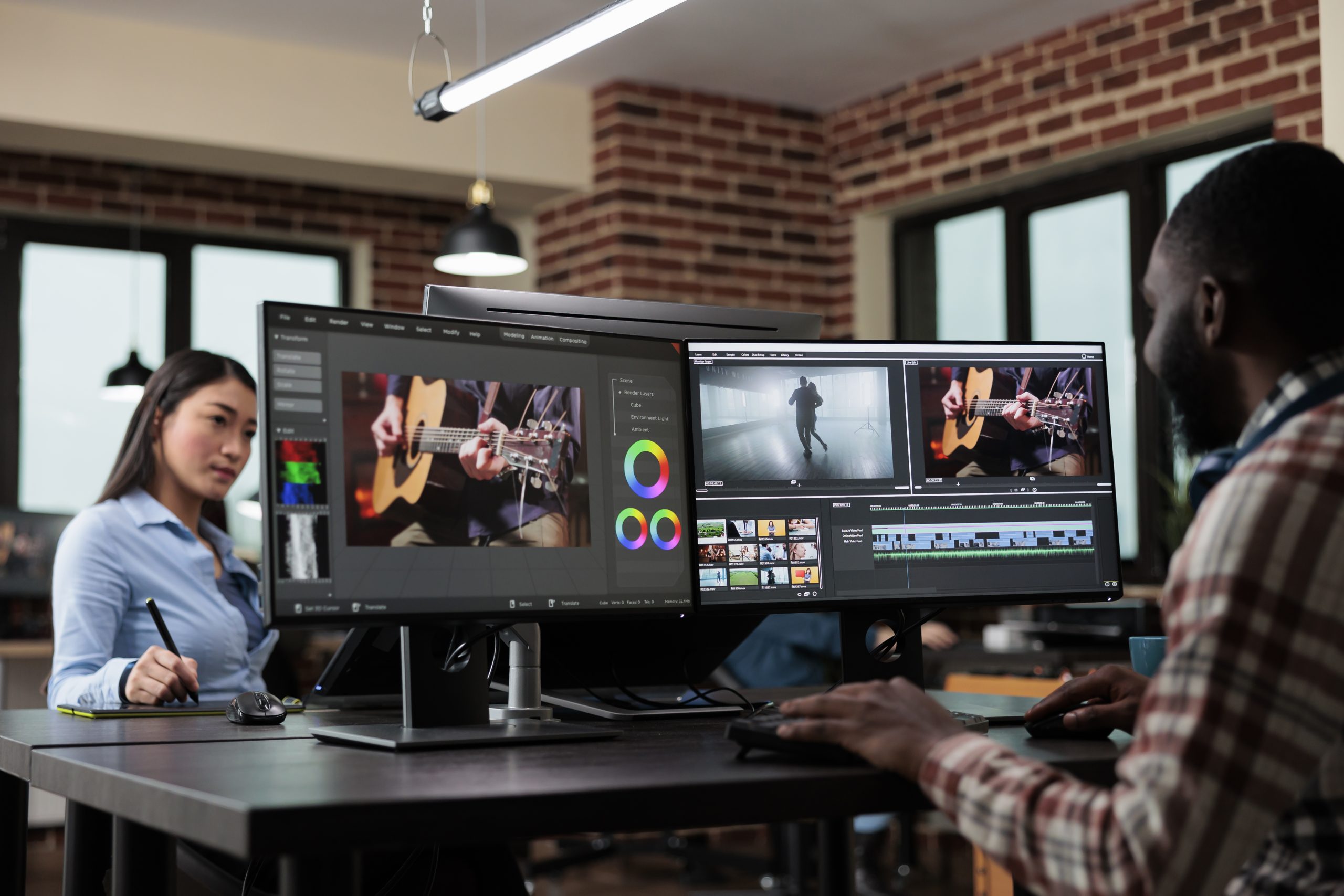
This course introduces students to AI-assisted video production using Adobe Premiere Pro and selected generative AI tools. Students begin by learning essential video concepts, including aspect ratio, resolution, frame rate, sequence settings, video formats, and export requirements for social media, web, and client delivery. They then move into basic Premiere Pro workflows, including project setup, media organization, timeline editing, cutting, trimming, text, music, audio levels, and export.
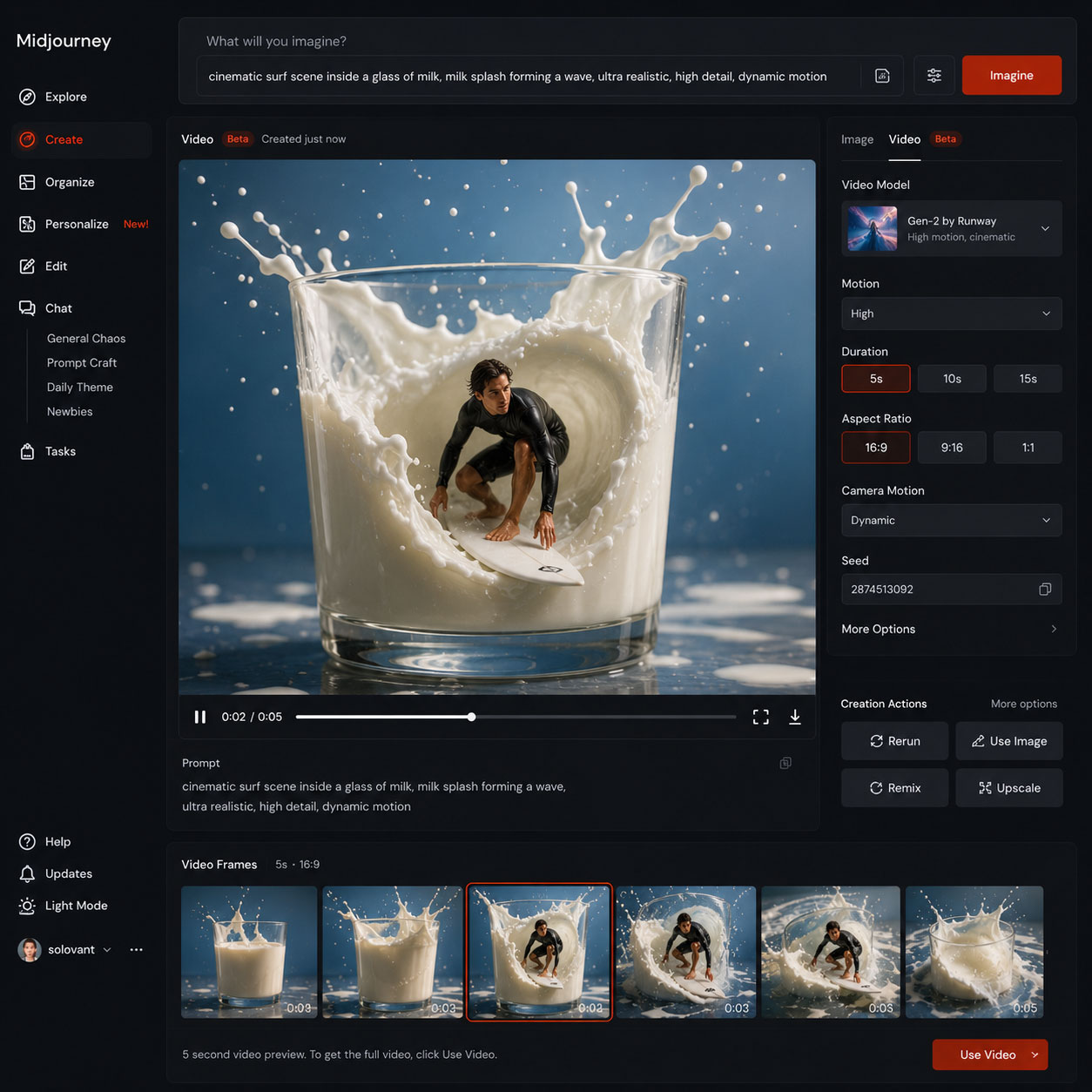
As the course progresses, students learn how to generate video assets using AI tools. They explore prompt writing, reference images, text-to-video, image-to-video, avatar video, product shots, cinematic b-roll, motion backgrounds, and visual transitions. Students also learn how to evaluate AI-generated footage for quality, consistency, visual errors, motion problems, and usability within a real editing workflow.
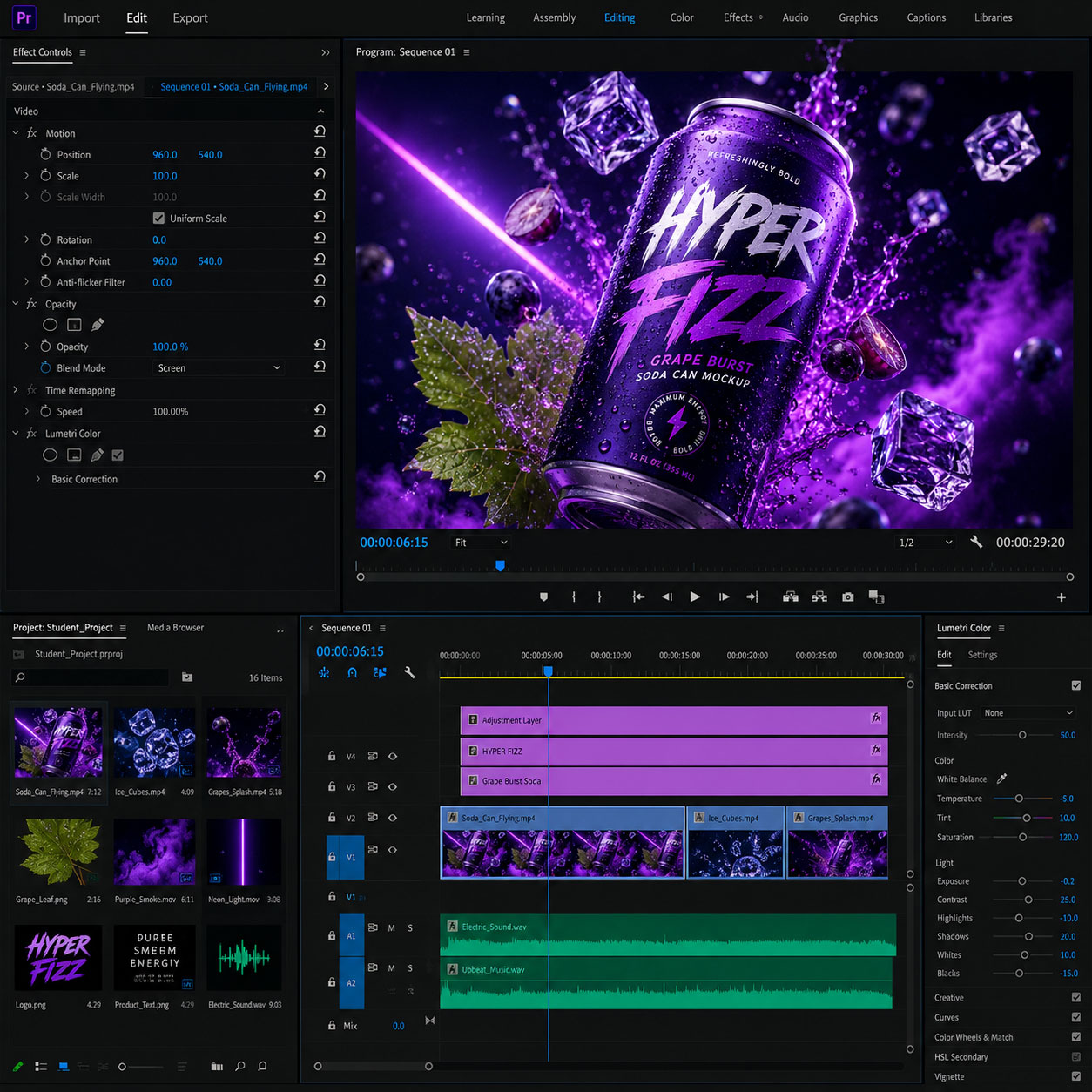
The course then brings these skills together inside Premiere Pro. Students import AI-generated clips, select the strongest footage, edit sequences, add titles, captions, music, voice, and basic sound design, and export a finished short-form video. The goal is to help students move beyond experimentation with AI tools and develop a practical workflow for producing polished video content for social media, product promotion, branding, education, client work, and creative portfolios.
Note: This course aligns with Solovant’s creative technology training pathway by developing one of the central skills in contemporary digital production: AI-assisted video creation. Students who complete this course can apply their skills independently or continue into related areas such as graphic design, AI content creation, digital marketing, motion design, and portfolio development.
Structure: 3 live online sessions, with guided demonstrations, practice exercises, critique, AI video generation, Premiere Pro editing, and a final short-form video project.

If you have any questions, feel free to contact us
We can schedule a Zoom or Phone Call to answer all your questions
hello@solovant.com
AI Video Production With Generative Tools and Premiere Pro
This section focuses on developing practical video production workflows using Adobe Premiere Pro and generative AI tools. Students will learn how to plan, generate, edit, and export short-form videos as part of a structured creative process. The emphasis is on creative direction, technical control, visual consistency, and intentional editing decisions.
What You Will Learn
- Adobe Premiere Pro interface and workspace organization
- Video formats, aspect ratios, resolution, and frame rate
- Project setup, media organization, and sequence creation
- Basic cutting, trimming, pacing, and timeline editing
- Text, captions, graphics, music, and audio levels
- Prompt writing for AI video generation
- Using reference images and visual direction
- Text-to-video and image-to-video workflows
- Generating b-roll, product shots, motion backgrounds, and visual transitions
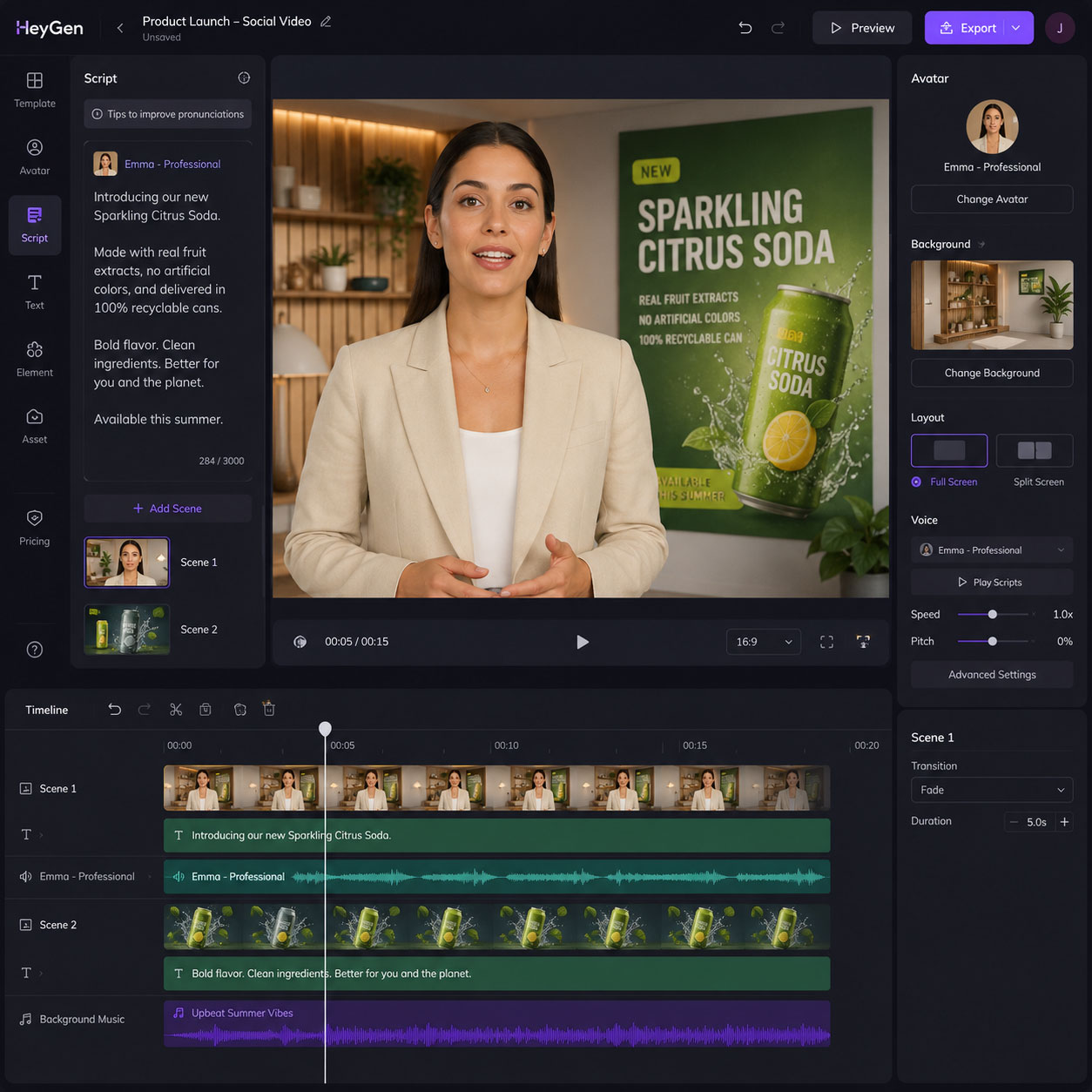
- Creating avatar or presenter clips with AI tools
- Evaluating AI-generated footage for quality and usability
- Integrating AI-generated clips into Premiere Pro
- Exporting videos for social media, web, and client delivery
Students are expected to:
- Create short video edits in Adobe Premiere Pro
- Generate AI video clips using prompts and visual references
- Create product, brand, social media, or educational video content
- Integrate AI-generated footage into Premiere Pro projects
- Submit assignments and project-based exercises
- Participate in discussion, critique, and feedback
- Attend live online sessions for demonstrations, review, and project development
Examples of Classwork
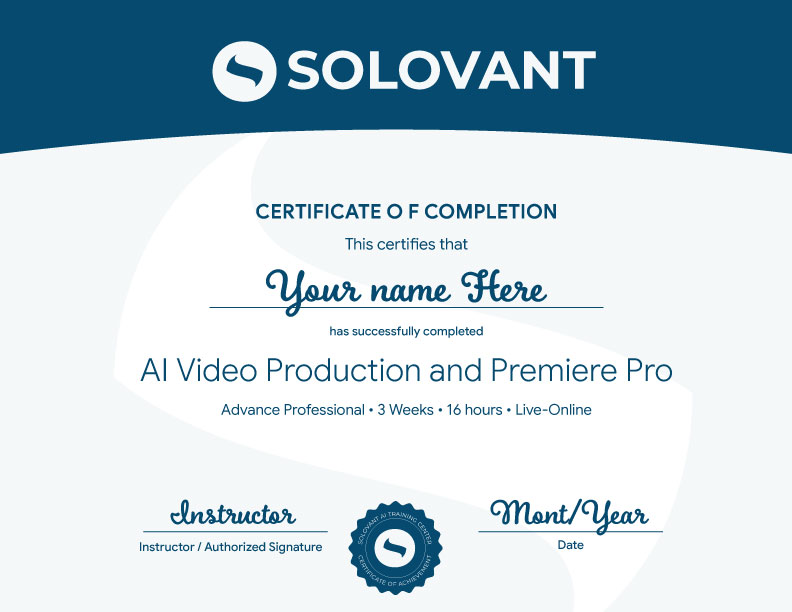
-
Sale!
Ready to create professional AI-assisted videos?
Enroll in this 3-session live online course and learn how to generate, edit, and export short-form videos using generative AI tools and Adobe Premiere Pro. You will work through guided demonstrations, hands-on exercises, and project-based assignments focused on practical video production workflows.
This course includes live Saturday sessions, instructor feedback, and 18 hours of applied training. You will develop practical skills in video formats, project setup, timeline editing, prompt writing, AI-generated footage, visual references, product shots, avatar clips, motion backgrounds, audio, text, and social media exports.
Early Bird Tuition: $890 Regular Tuition: $990 Limited seats available.
Information
Date:
This Course will start on Jul 18th, 2026
Duration:
3 weeks. Live online sessions are held every Saturday.
18 hours of hands-on, project-based work.
Instructor:
All instructors hold graduate degrees (Master’s or PhD) and professional certifications.
Tuition:
$990 Early Bird: $890 (limited seats)
Questions?
If you have any questions, feel free to contact us
We can schedule a Zoom or Phone Call to answer all your questions
hello@solovant.com